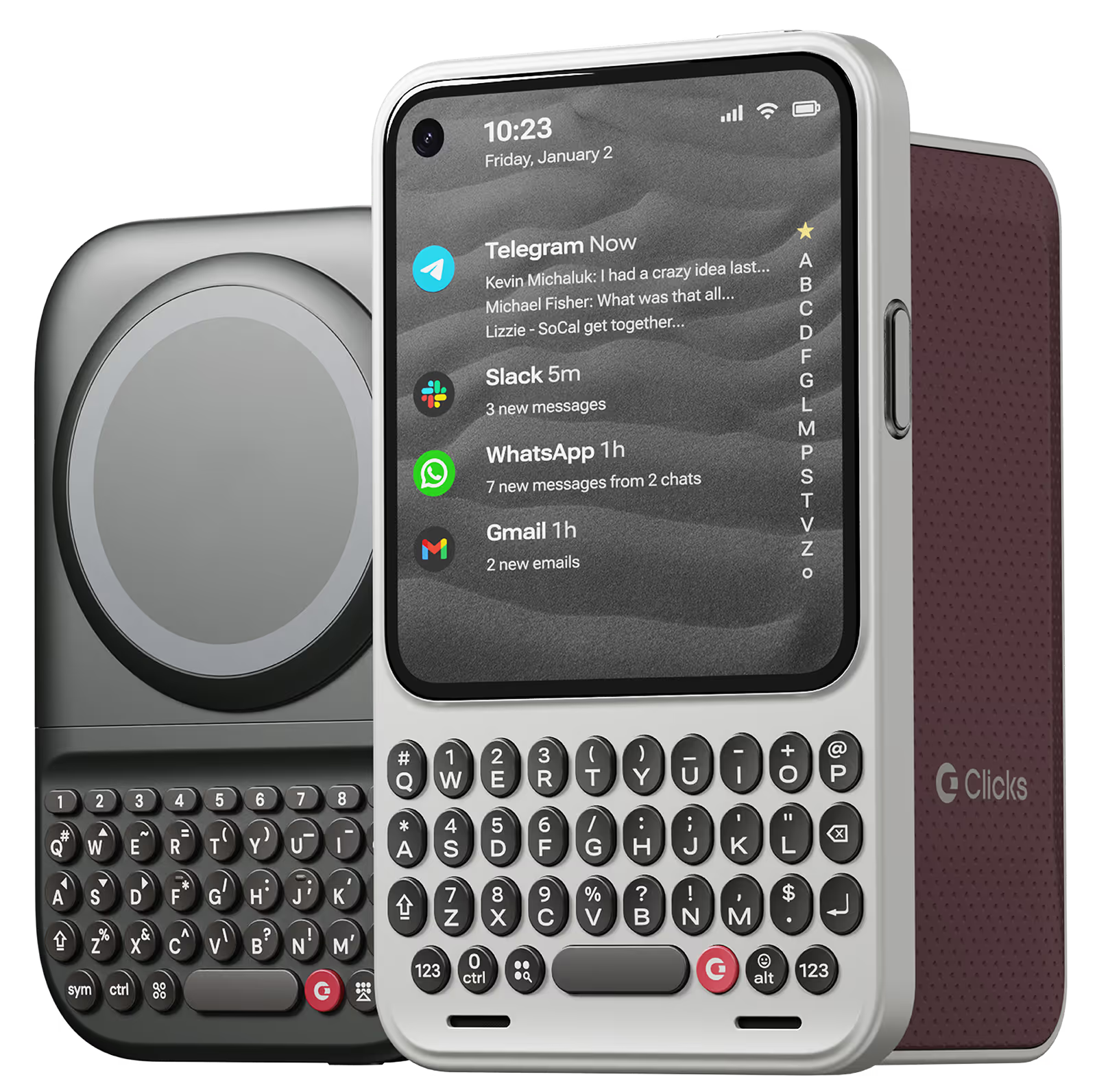
Why you'll love Clicks.

1
Feel satisfying real buttons
Pressing real buttons and hearing that little clicking sound feels more natural and rewarding.
Replay
2
Elevated premium protection
Brushed metal side keys, a microfibre lining, and a new enclosure that feels great while adding protection inside and out.
Replay
3
See more screen
Free your screen, with 50% more usable display to work, play, surf, chat and engage with your content.
Replay
4
Take action, faster
Launch customized shortcuts at the push of a button. Personalize your keyboard to control your home, launch apps, text or call contacts.
Replay
5
Keep your laptop at home
Make more happen right from your phone without needing to crack open your laptop.
Clicks for iPhone
Available for iPhone 16, 15 and 14.
In stock & shipping now.
Buy Now
Clicks for Pixel
Pixel-perfect productivity.
Available now.
Buy Now
Clicks for Razr
Pocket-sized. Power-packed.
Available now.
Buy Now

Buttons with benefits.

More Screen

Get 50% more usable display to work, play, surf, chat and engage with your content.

Customizable Shortcuts

Launch custom actions at the push of a button.

Powerful Productivity

Real buttons that help you work smarter while away from your desk.

What Clicks users are saying.

Based on 5,328 user reviews.
Hideki K.
Clicks for iPhone 16 Pro

I used to love the one for iPhone 15 PRO MAX, but it has been improved in many ways. I like it very much.

Visit source
Greg T.
Clicks for iPhone 16 Pro

it took some getting used to, but it’s well worth it. I enjoy my Clicks!

Visit source
Jennifer D
Clicks for iPhone 16

I love having physical buttons. I am a very tactile person. There is a learning curve, because the balance point is different. I have suggestions, but I am really enjoying using it.

Visit source
Jeremy L.
Clicks for iPhone 15

A great case of You want a physical keyboard! I Love the extra screen space! It would be nice to keep the Predictive Text bar and still have the passwords bar pop up like normal… Other than that, it’s such an amazing case!

Visit source
Jean-Christophe Veillette
Clicks Keyboard for iPhone 16 Pro

Love my Clicks Keyboard for iPhone 16 Pro! Could not live without it!

Visit source
Sunphill Sin
Clicks Keyboard for iPhone 15

Clicking gives me fun of typing and bigger screen use also help me working more efficiently

Visit source
Susan Sides
Clicks Keyboard for iPhone 14

The keyboard is great. It takes a little bit to get accustomed to the size. But it works great! Overall I think it was well worth the wait.

Visit source
Immanuel vinodh Anthony
Clicks Keyboard for iPhone 16

It brings back the experience of using the keypad phone along with the sound, I love it

Visit source
Antonio M
Clicks for iPhone 14 Pro - Founders Edition

Having a keyboard again to maximize the screen is absolutely essential. Felt programmed for years to think otherwise. Couldn't be more grateful for this to be in my hands.

Visit source
Landon N.
Clicks for iPhone 15 Pro

"A keyboard that is user-friendly and works well in Japanese. Sometimes, the predictive text does not stand out when the background color of the app is the same. Although the body may become larger, using MagSafe-compatible pop sockets can provide stable use. I hope for future updates to include MagSafe compatibility. I have already ordered a second one!"

Visit source

Clicks has you covered.
Try for 30 days.

It takes a week or two to get used to typing on real buttons –  you’ll need a little bit of patience and perseverance. Trust our tens of thousands of customers, it’s so worth it!

If it’s just not for you, we’ll give you your money back, no questions asked.