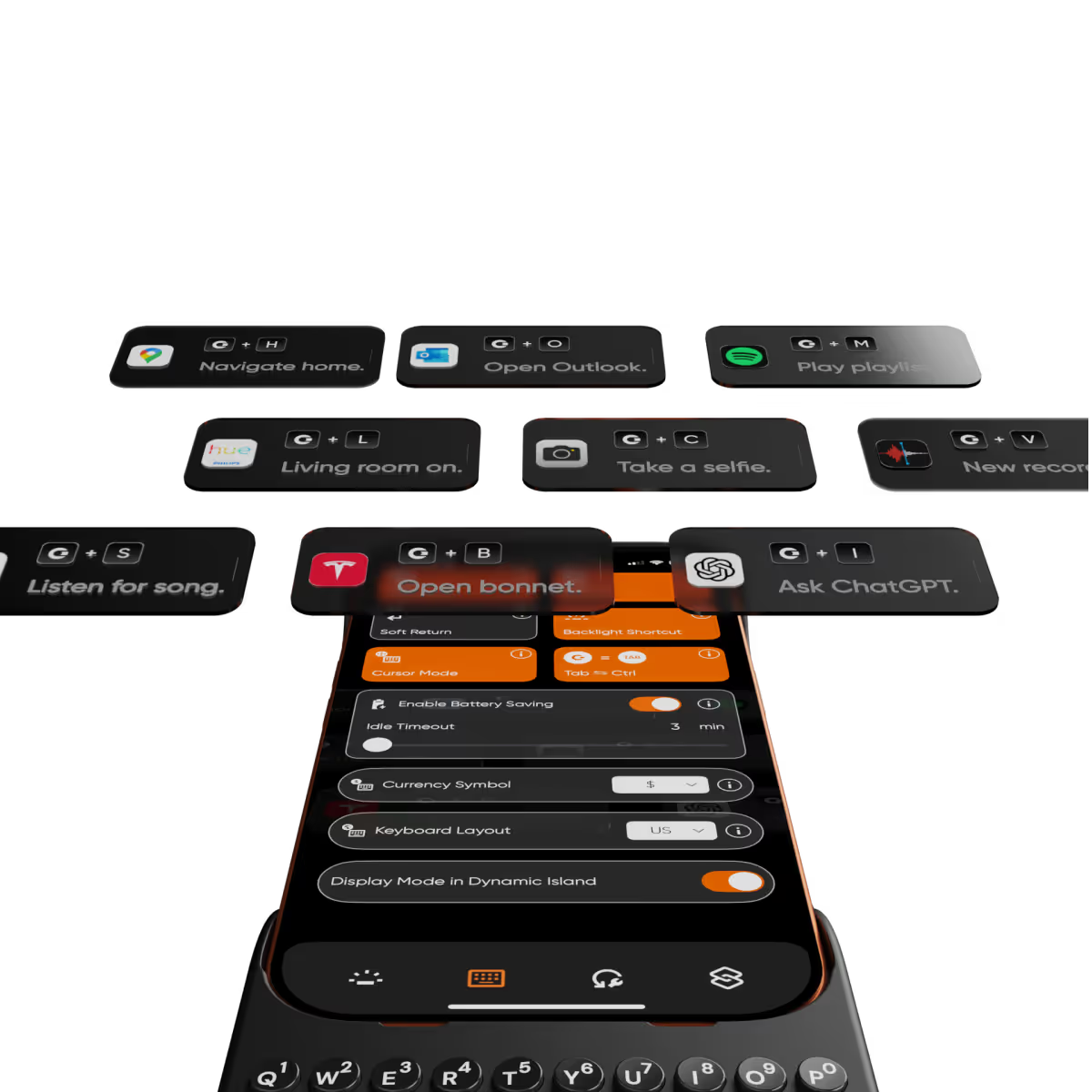
As iPhone air is a brand new platform, we want to get it in our hands and test it before deciding whether it’s suited to Clicks. If you’re interested in Clicks for iPhone Air, please complete this survey to let us know. We’ll contact you as updates become available.
No, Clicks for the iPhone 17 series is not compatible with previous generation iPhones. Clicks for the iPhone 17 Pro and iPhone 17 are interchangeable, but Clicks for the iPhone 17 Pro Max will only fit that model.
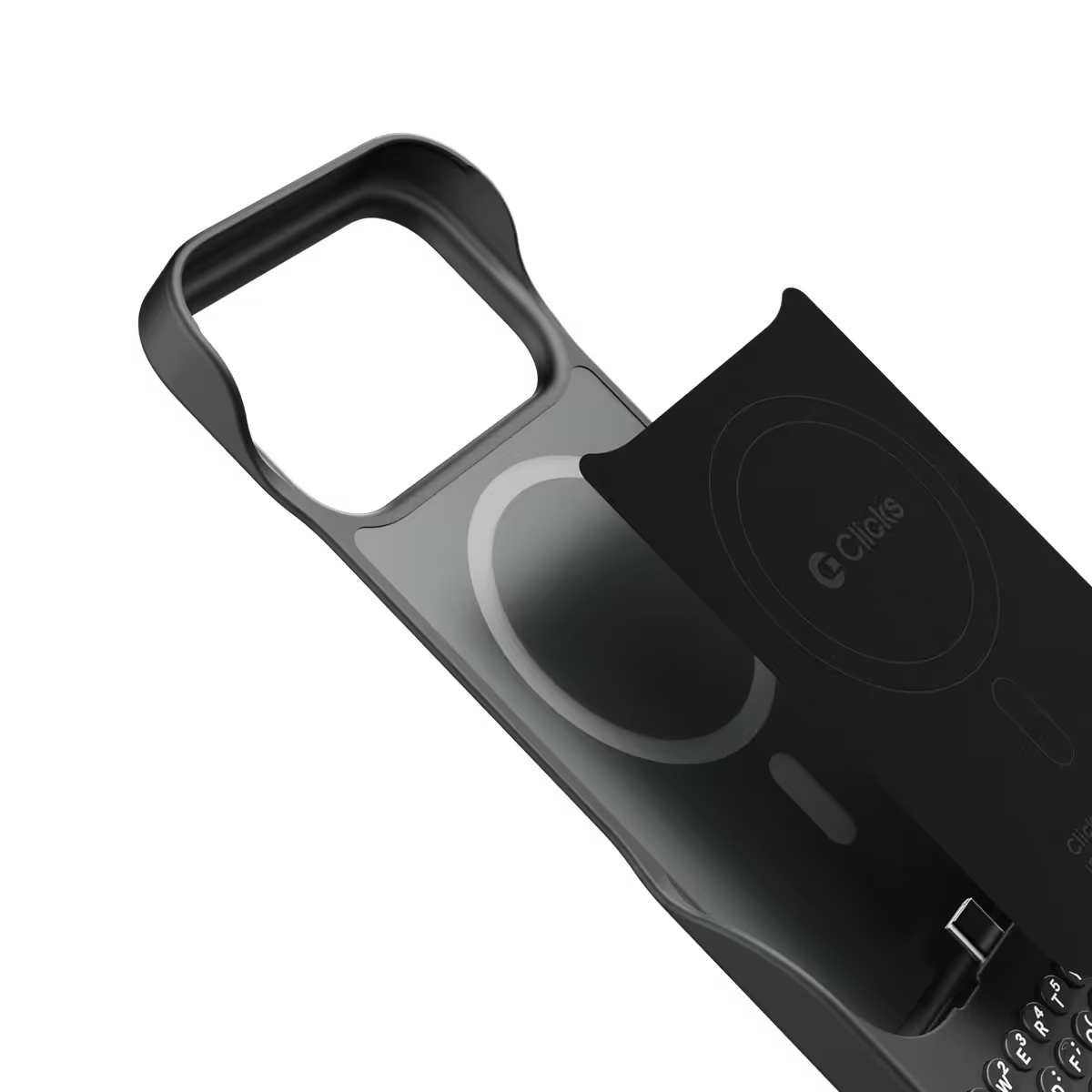
The thinner, lighter enclosure, snap-in design and lanyard support will be exclusive to Clicks for iPhone 17 models.
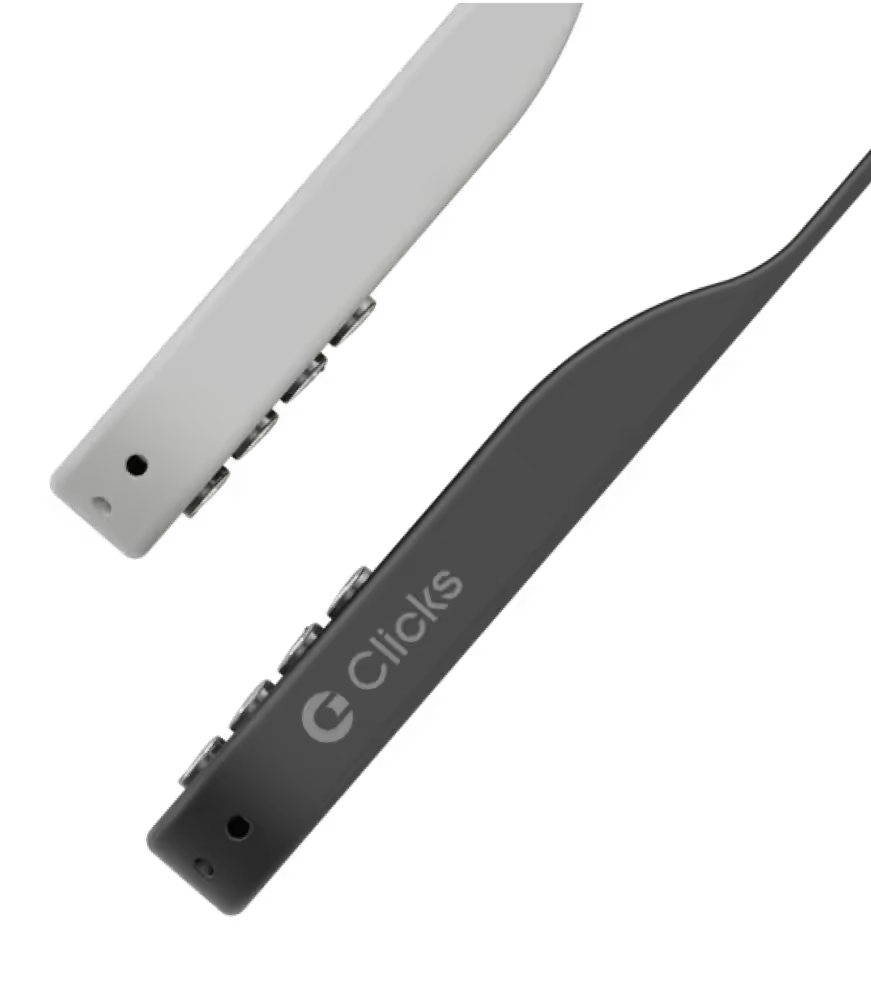
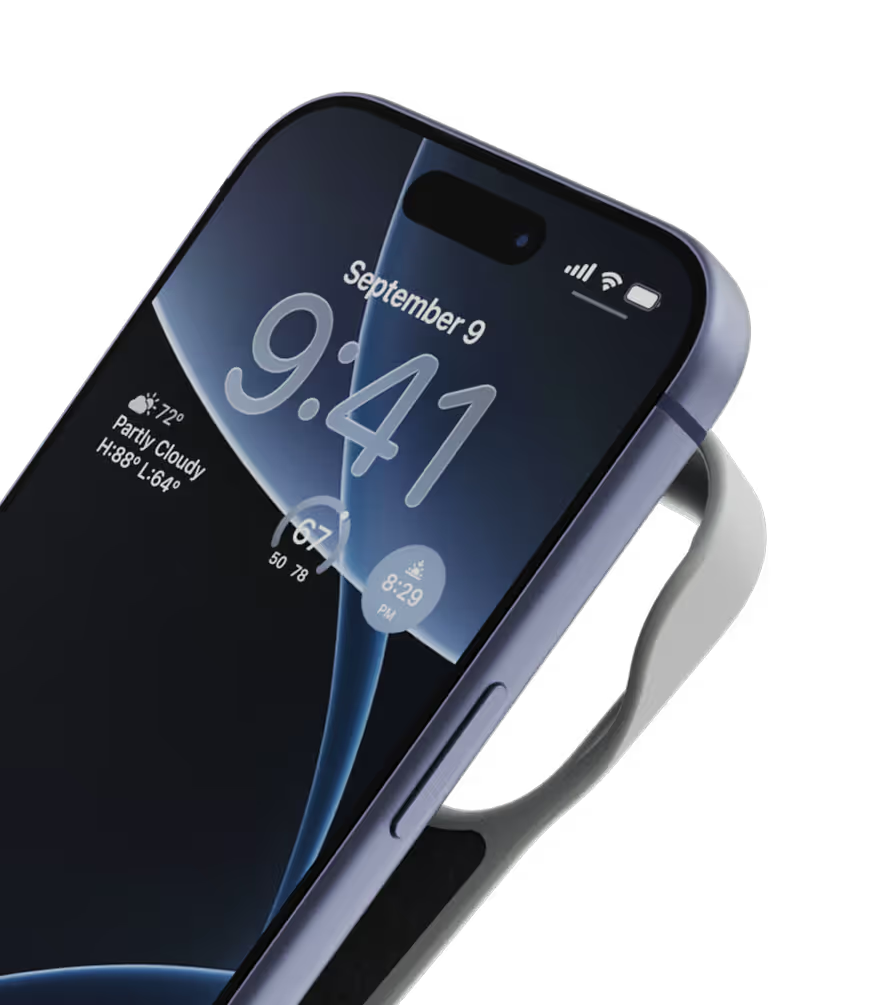
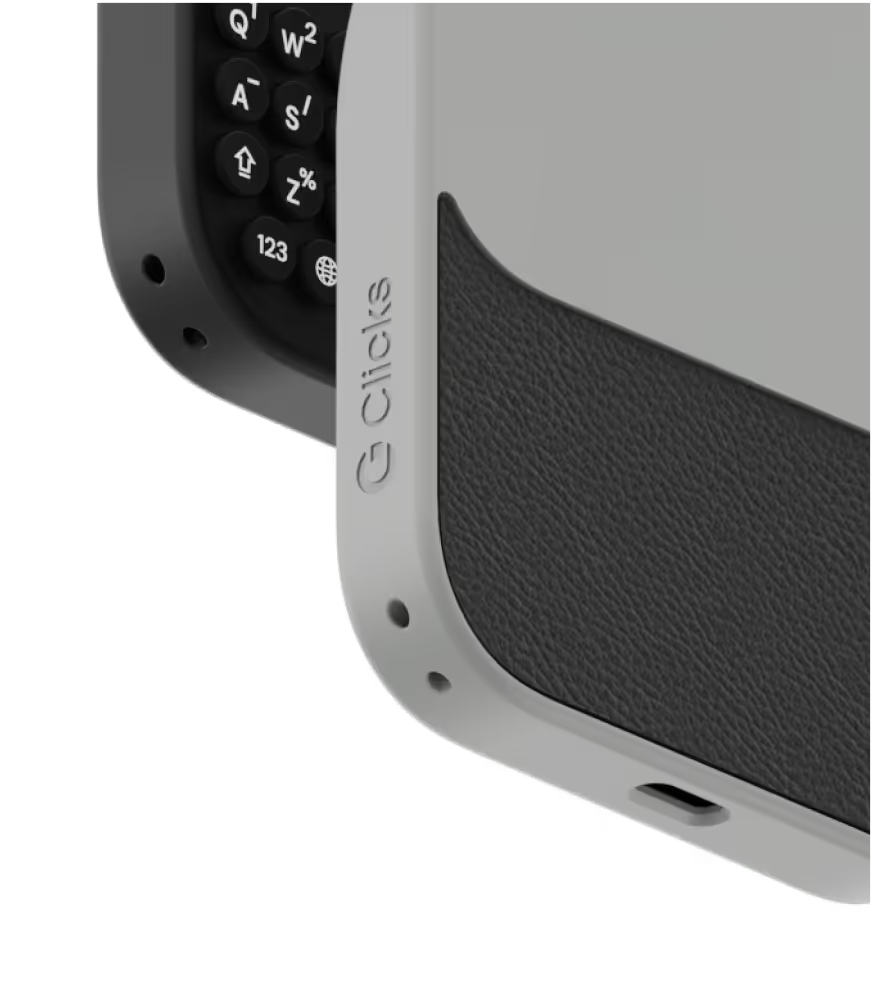
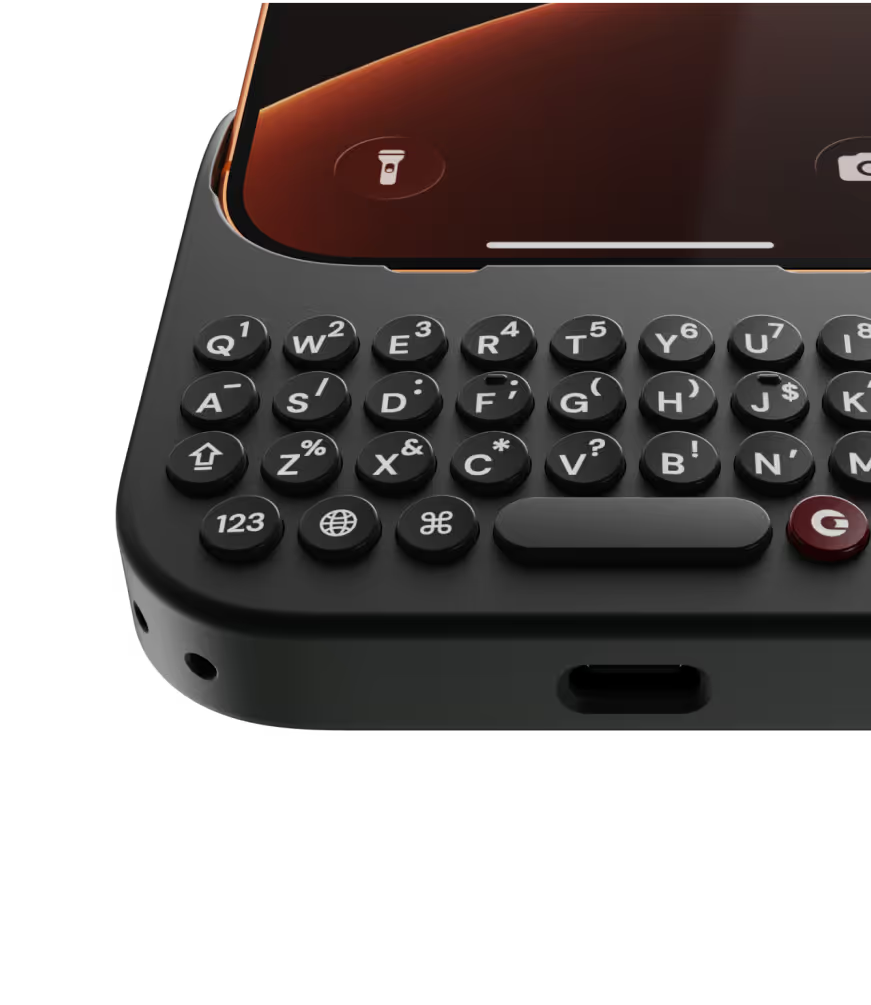
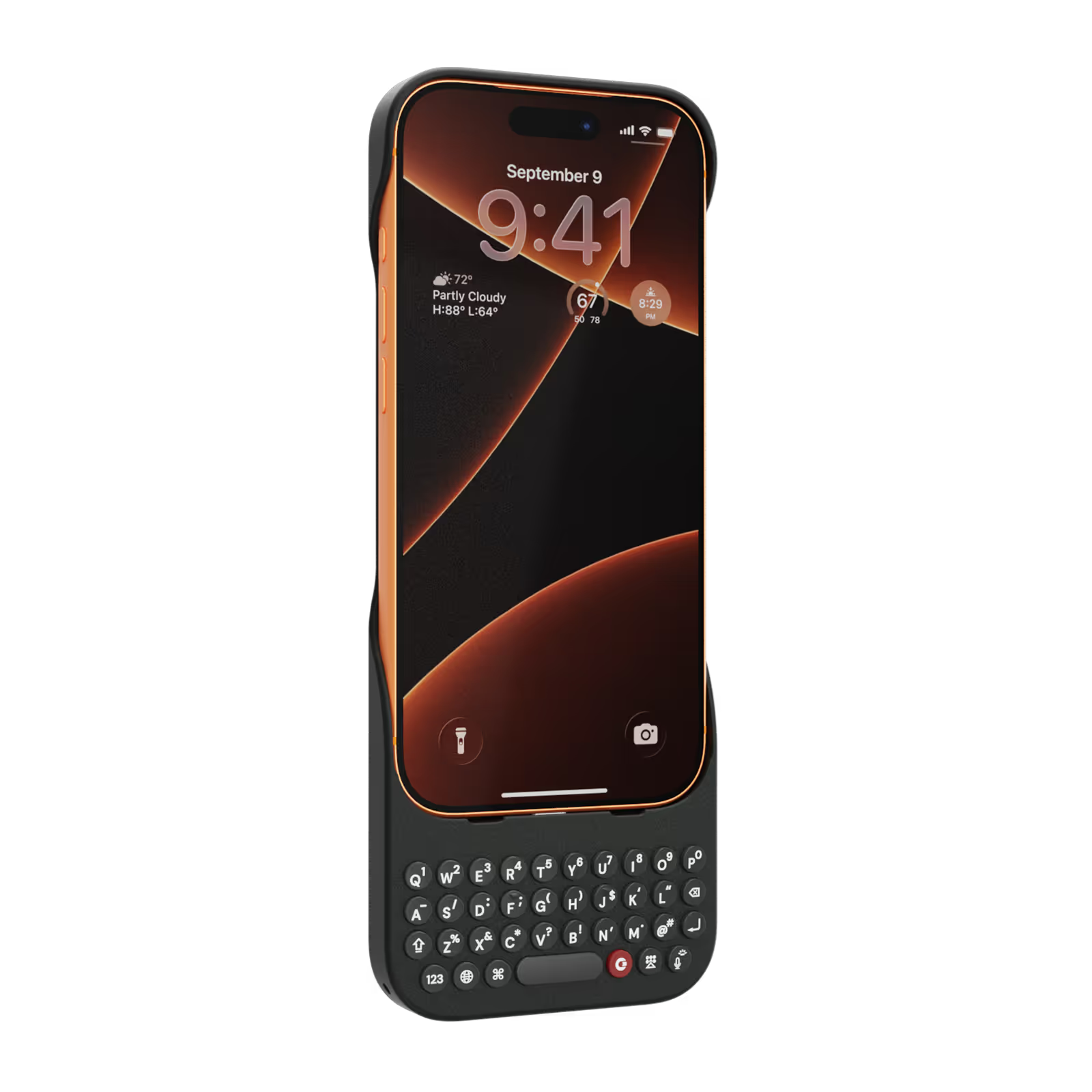
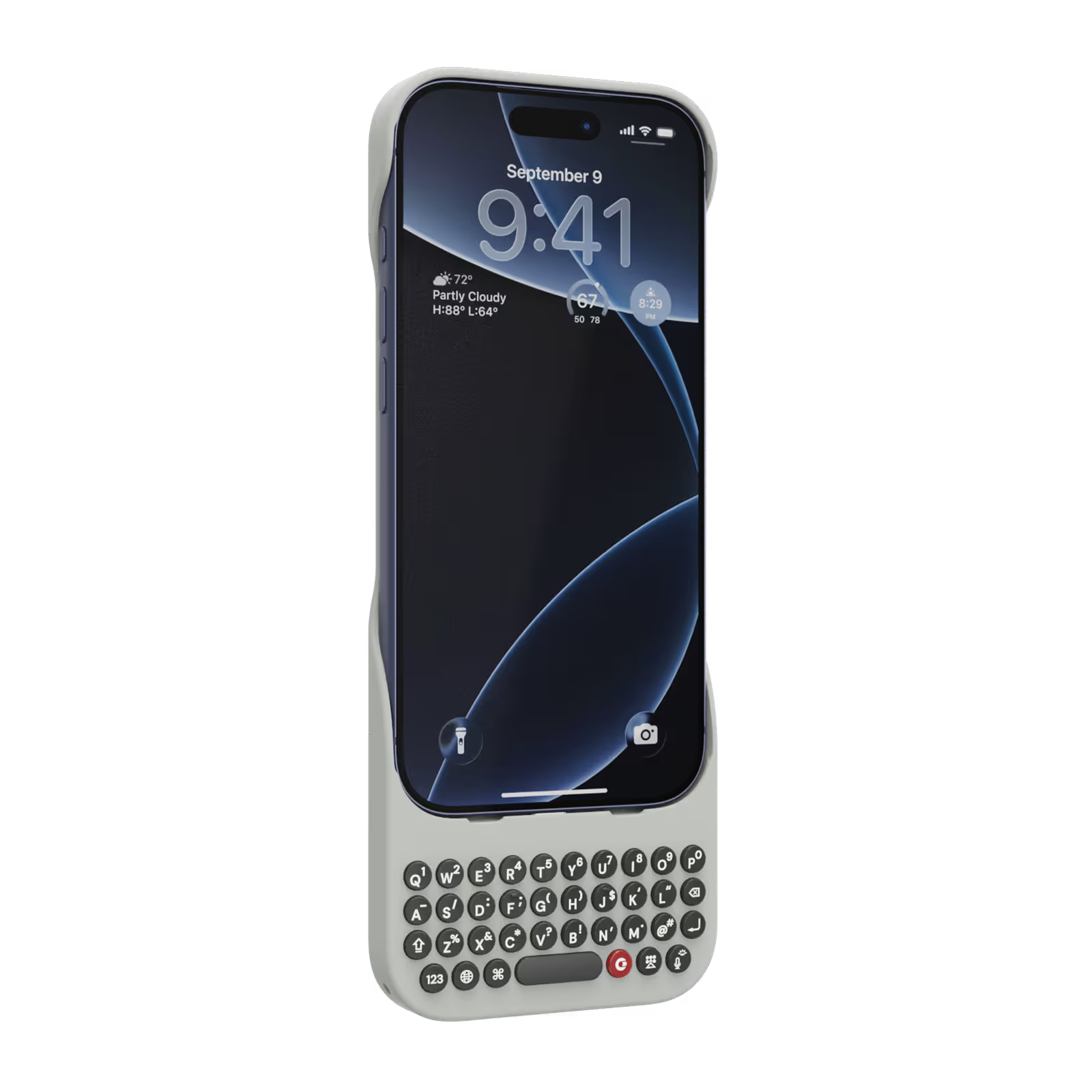
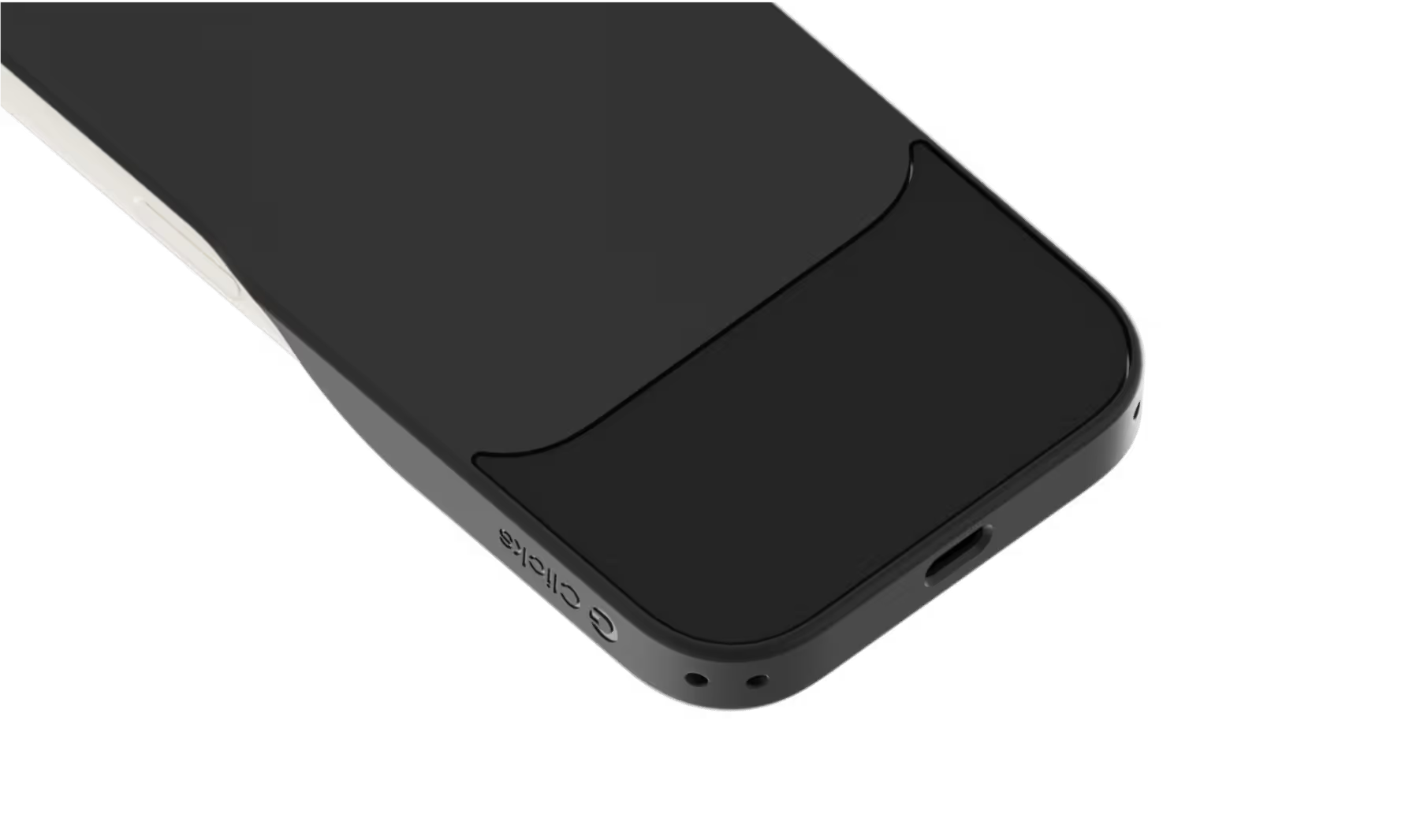
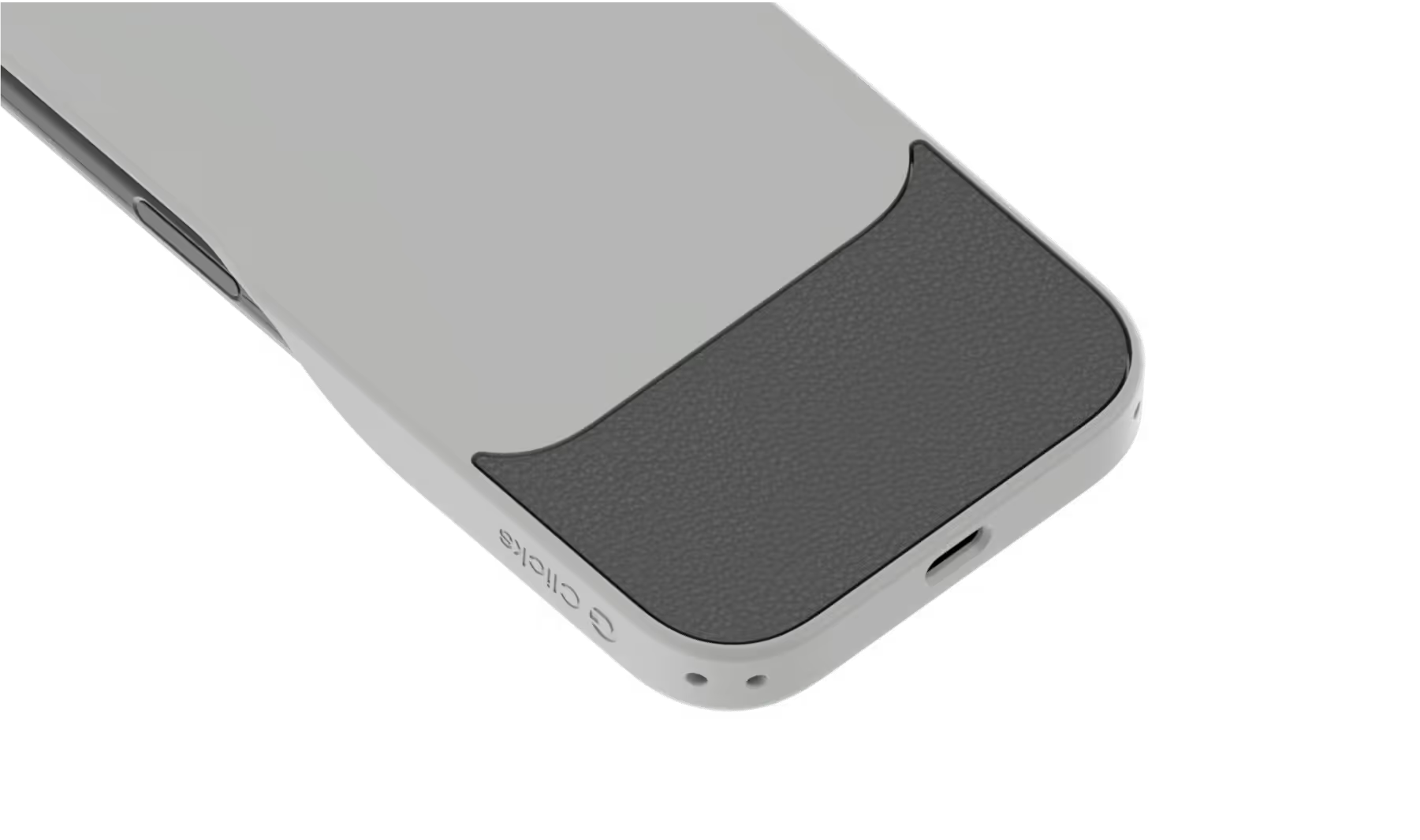
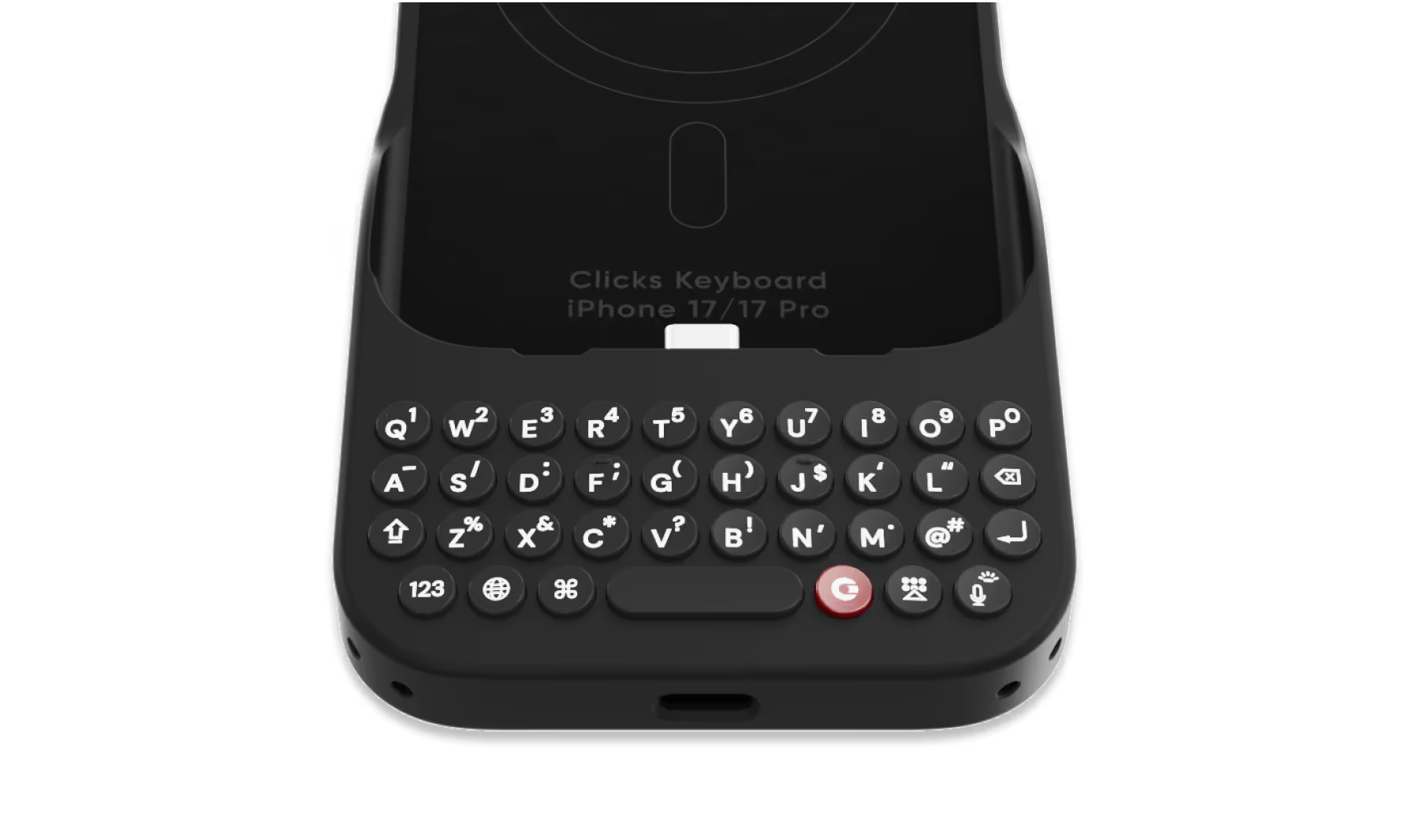
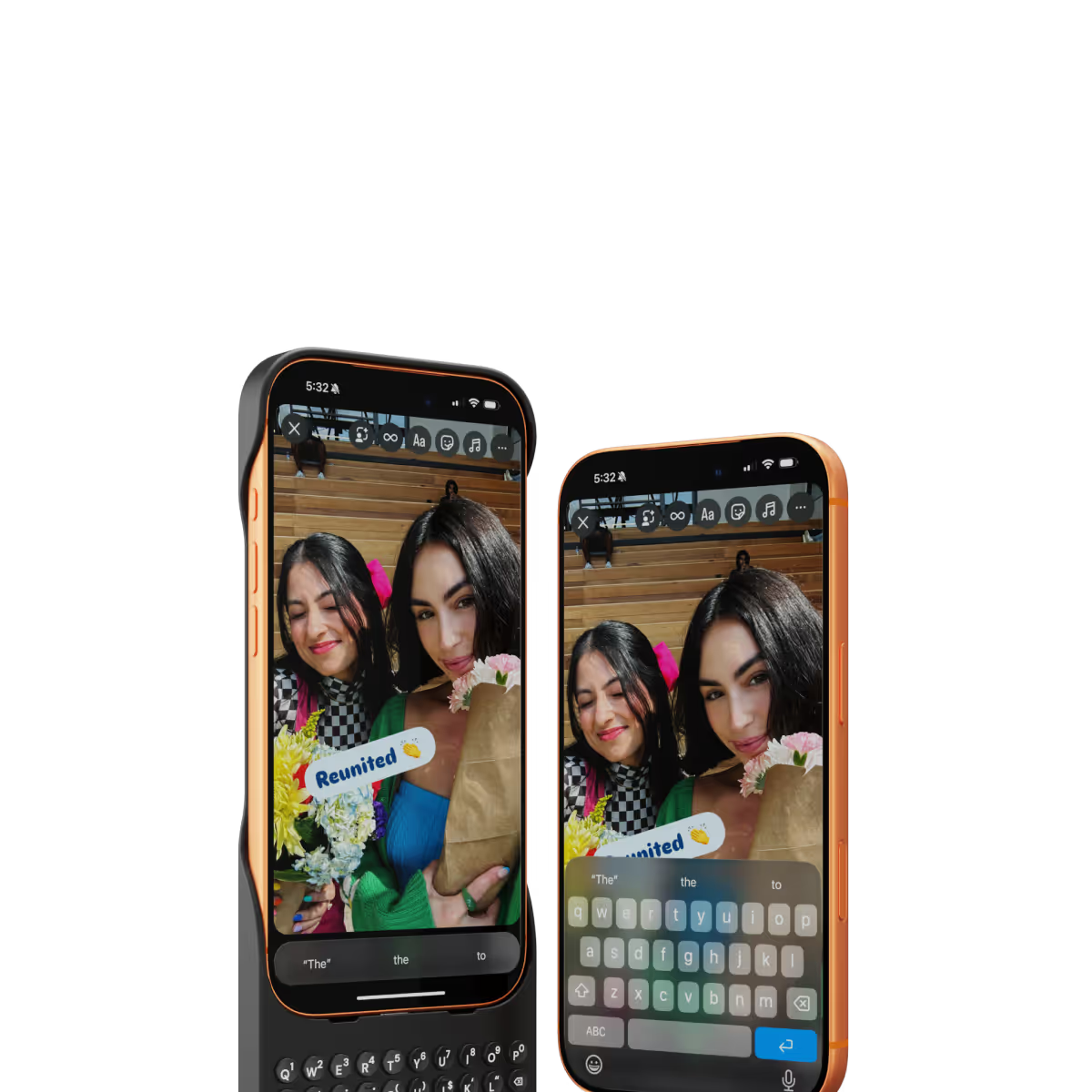
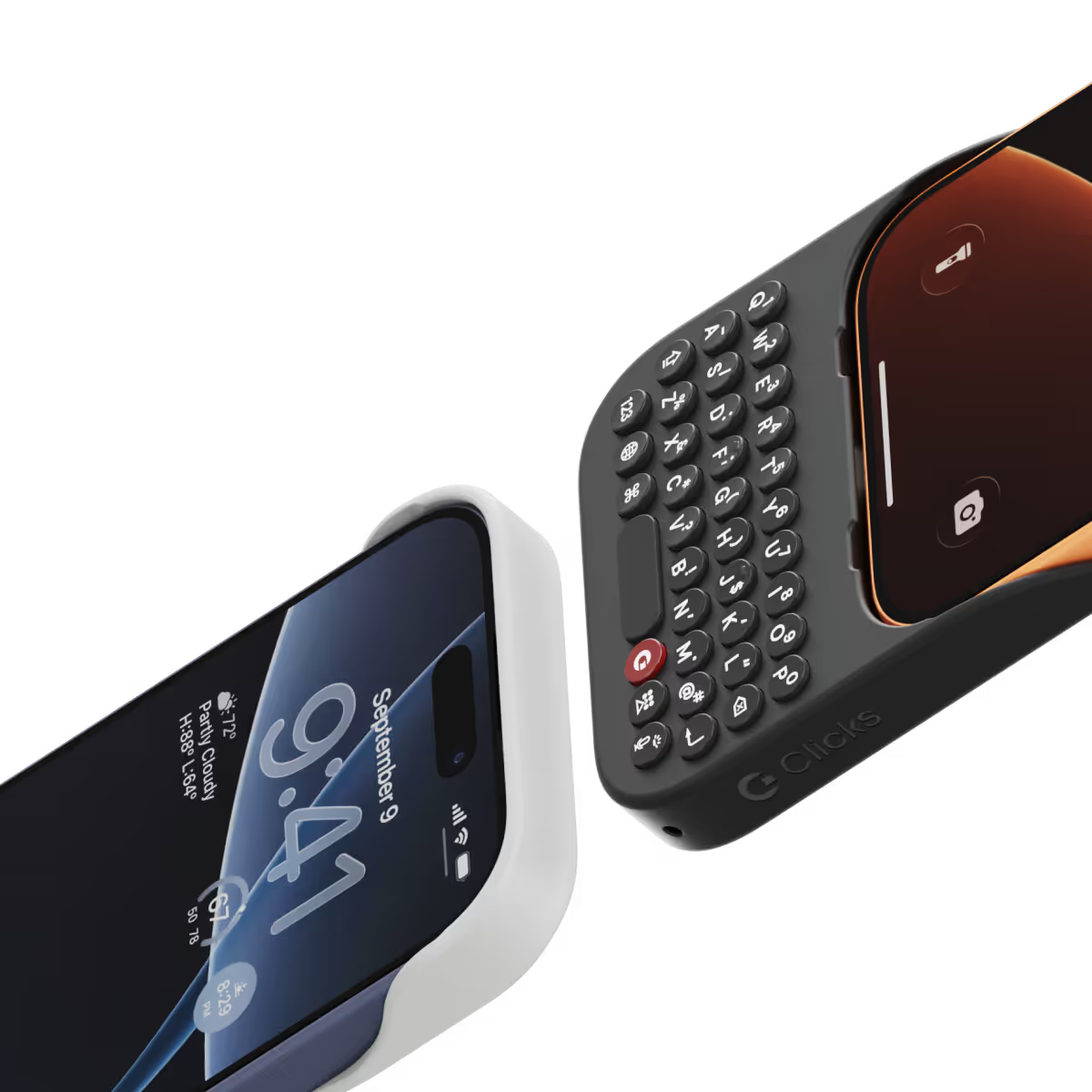
Clicks for iPhone 17 introduces a new enclosure design that's 40% thinner and 11% lighter than Clicks for iPhone 16. The new contoured shape makes Clicks easy to hold and allows your iPhone’s natural colour to shine through while the new enclosure makes it easy to add and remove your iPhone. Plus, a dual attachment point lanyard system allows you to use Clicks with wrist loops and cross-body straps.
Yes, absolutely! Reach out to support@clicks.tech with your order number and required changes. A team member will help make the necessary updates.
Batch 1 orders will be exclusive to Clicks.tech in 2025. Clicks for iPhone 17 may come to other channels like Amazon and Best Buy in 2026.


The keyboard quality is good and easy to typing. And the delivery service also very nice.
As a long-time fan of physical keyboards and a former BlackBerry user, I was thrilled to discover the Clicks keyboard for iPhone. This innovative accessory brings back the tactile typing experience many of us have been missing in the era of touchscreen smartphones. **Design and Compatibility** The Clicks keyboard seamlessly combines the best of both worlds – the versatility of an iPhone with the satisfying feel of a physical keyboard. It's designed to work harmoniously with the iPhone, creating a nostalgic yet modern device that caters to those who crave tactile feedback while typing. **Typing Experience** While my typing speed hasn't significantly increased, I've noticed a marked improvement in accuracy. The physical keys allow for more precise input, reducing the frustration of autocorrect mishaps common with on-screen keyboards. As with any new input method, there is a learning curve, but I've found my proficiency improving week by week. **Standout Features** The most impressive aspect of the Clicks keyboard is its shortcut functionality. The ability to open specific apps directly from the locked screen is a game-changer, especially for users with numerous applications. This feature significantly streamlines the user experience, saving time and reducing the frustration of searching for the right app. **Customization and Accessories** To enhance the Clicks keyboard experience, I've made a couple of modifications: 1. Added a low-cost MagSafe ring to the back for convenient charging. 2. Improvised a holding band to improve grip and typing comfort. These small additions have further improved the usability of the device, making it even more tailored to my needs. **Learning Curve** It's worth noting that adapting to the Clicks keyboard may take a few weeks for some users. However, the investment in time pays off as typing speed and accuracy continue to improve with regular use. **Conclusion** For iPhone users who miss the tactile feedback of physical keyboards, the Clicks keyboard is a dream come true. While it may not dramatically increase typing speed, it offers improved accuracy, fantastic shortcut capabilities, and a nostalgic typing experience. With a bit of patience during the adaptation period, this accessory can significantly enhance your iPhone usage, especially if you're a heavy typer or app user. Reference Photos https://i.ibb.co/fNqRR2v/IMG-0022.jpg https://i.ibb.co/8gGbGzv/IMG-0023.jpg
Clicks is a lifesaver for remote work on the go. One of the most frustrating parts of working remote is still feeling glued to a laptop. If there's an urgent email or message I can respond from my phone but it can get tricky to accurately respond when I have to keep juggling reading the entire message or typing. Aside from any practical justification Clicks is just plain cool. It feels good to well click!
It's faster to type than flick input. Since there is no MagSafe, I use a MagSafe ring sticker in the center of the inside of the case.
I could not be more happy with my clicks keyboard. After hanging on to my BlackBerry Keyone for too long, I did not want to let go of my qwerty keyboard & actually get used to typing on a touch screen. I searched & search but could not find an upto date replacement. Then I came across clicks, it wasn’t even due out for months, but I got an iPhone 15 only because of clicks coming out, sure, I had to type with a touch screen for maybe a year but totally worth it. If you love buttons & loved your BlackBerry, Clicks will not disappoint. Can’t rate enough. 10/10,
Having a real keyboard again is fantastic. I can touch type with so few errors again. The feedback from the buttons is great. The keyboard itself is a perfectly ergonomically designed. A great great all round product.
I have to say, as much as I was looking forward to this case, it still surprised me. I was blown away in the first hour. The keys feel great. The placement it borderline perfect. Honestly, I was worried that my 15 Pro Max would feel top heavy but I really having seen an issue with weight distribution. The whole package is really solid. I am not in love with the fact that I will have to put an magnet ring on it in order to get mag-safe to work but heck, nothing is perfect. Good Job Clicks.
I frequently rely on my phone for work when I don't have my laptop available or rather too lazy to turn it on, and the addition of the keyboard clickskeys has been a fantastic enhancement. It makes tasks, especially typing, much easier and more enjoyable! However, I have noticed that it adds some weight to my iPhone Pro Max. I hope that future versions/iterations will offer just the keyboard without the case, as I prefer not to use cases on my phone to fully appreciate its design and feel. I'm still discovering all the features it offers, and overall, I'm having a really great and enjoyable experience.
Forget lugging around a laptop for emails and notes! This Clicks keyboard is my new lifesaver. It connects seamlessly to my iPhone 15 Pro, and the typing experience is fantastic. The keys have a satisfying click and the layout is familiar. No more struggling with the tiny on-screen keyboard!