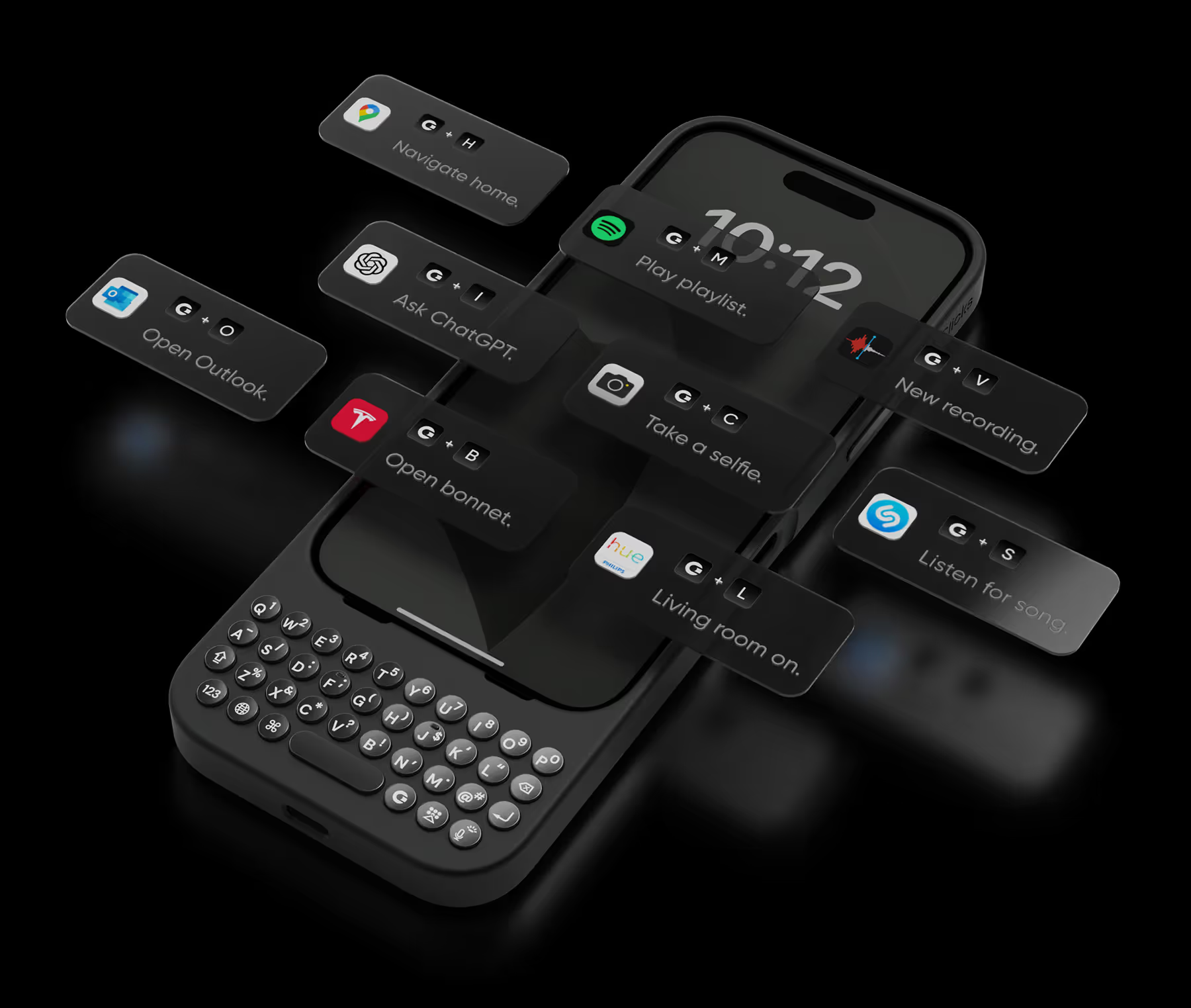
キーボードにアクセスする


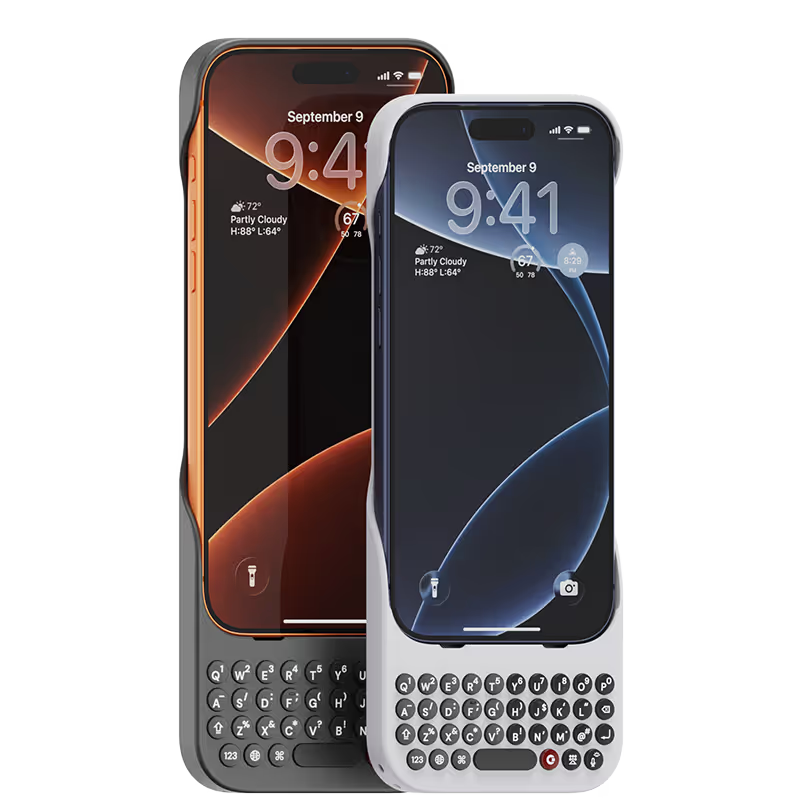

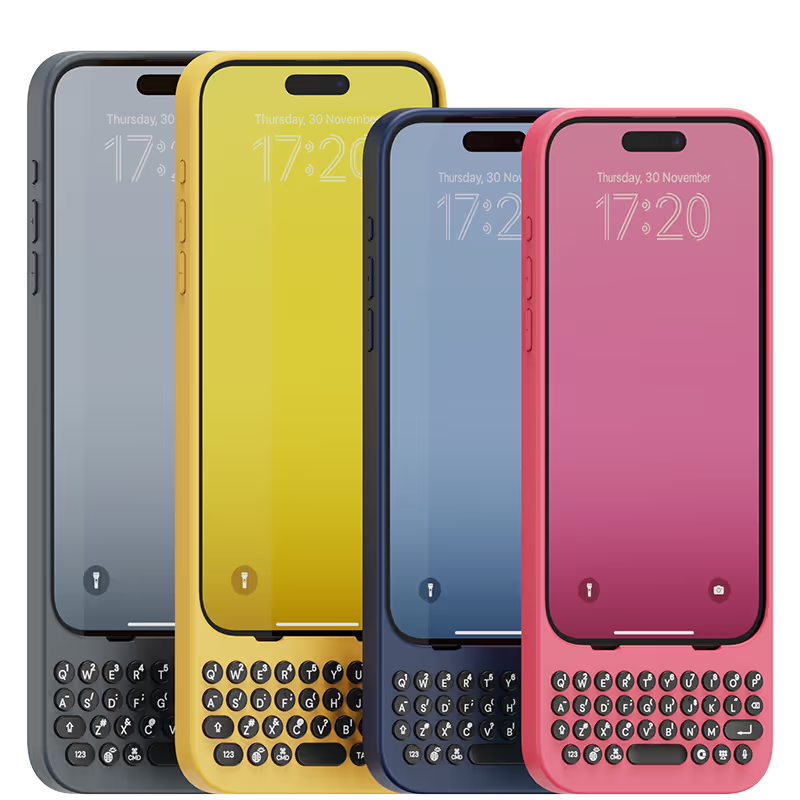
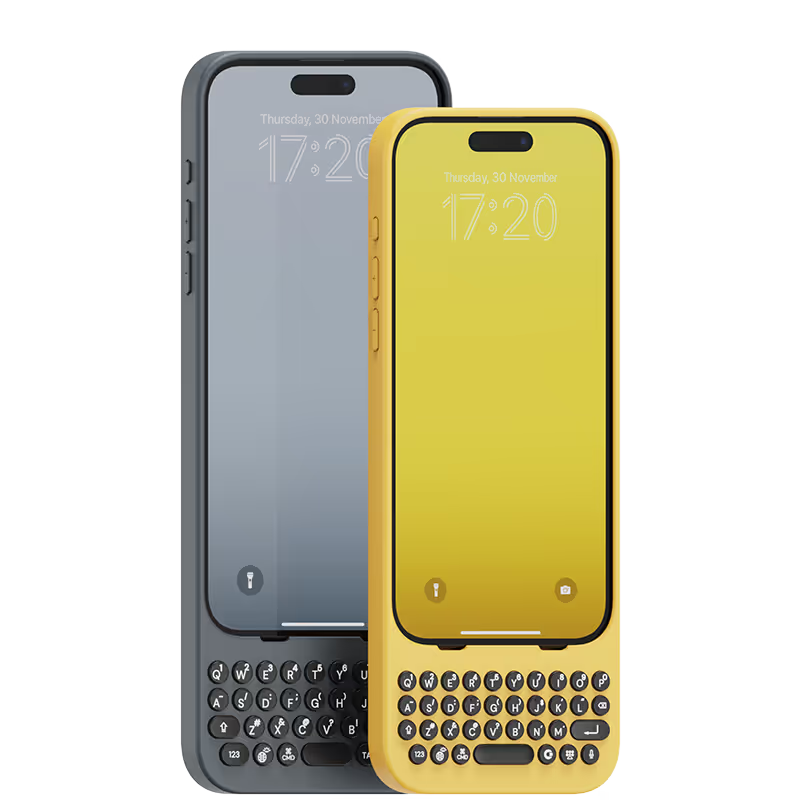


It takes a bit of time to adjust to but once you do it feels so much better than typing on a piece of glass.

The phone case is great especially with the keyboard. I did have a problem where mine stopped working I contacted them and it was under warranty for at least a year and it was under a year old and they were great. They were very responsive their small company so you have to be patient but they will get back with you via email but it’s a great little keyboard case it’s a little big obviously but it’s nice cause you get your whole screen and the ability to use a regular keyboard instead of a virtual very pleased with this company and I would recommend this product to anybody that wants a standard keyboard
At first it takes a while to get used to the keys. But then you gain speed and comfort when writing emails or social networks or, in my case, programming.
I tend to watch much reviews and focus on negative reviews prior to buying any products. For the Clicks keyboard, some of the major concerns people have was that the product is gimmicky (not too much value), the weight distribution is an issue and the lack of MagSafe support. As an avid Blackberry user - even going back to the days of Sidekick and the Voicestream 3way V100 device (yikes! that old)...I have enjoyed using tactile buttons on a smart device. The Blackberry I used was the Blackberry Key2...which I enjoyed but am biased to my Apple ecosystem, so the Key2 had limited used except for business use. I was skeptical about the Clicks keyboard considering its founders were heavily invested in the Blackberry seen; thus meaning there was an emotional, nostalgic investment towards the products (not solely because it addressed an issue in the smart phone world). Anyways, after fighting resistance and opting to buy, I am more than satisfied with my purchase. The learning curve was more of a trip down memory lane as missteps (or missed taps keys) experienced during the first two weeks are not noticeable after a month of use. I can even type while not looking down and concentrating on my sports on the big screen. An act I was not able to fulfill since my days of using the Blackberry Bold and Sidekick. Even as much as I enjoyed my Blackberry Passport, I did find the keys too far apart while the Blackberry Key2 keys were too thin. While these keys tend to be smaller than I preferred, it is a conceded tradeoff that we must accept nowadays considering the smaller widths of phones. Noticeable benefits: I rarely take it out of the case. I was going to assume because of its size and lack of MagSafe, I was only going to use it during work hours to power through on emails. I find myself rarely taking it off and writing more social media posts on it. The top-heavy concern is not that much of an issue as I am already used to hold my phone is such a manner when typing on a virtual keyboard anyway. Now, typing on a tactile keyboard, it seems much more satisfying feeling my tips press on buttons knowing I am actually hitting a key - much like a keyboard. That sensation "tricks" my brain into knowing that I did not miss a key and I can concentrate much quicker on the next key or word, rather than continuously glancing on what I wrote to see if there are any errors on my sentence. The only draw back is the lack of MagSafe. For charging, it is not much of an issue as I can easily plug a USB-C wire or even lay it on top of a Qi Wireless charging puck. However, my daily wallet is MagSafe and I do see myself carrying it less. Thankfully, with Apple Wallet, most of my cards, IDs and commuter passes are all stored electronically so I do not need to have my physical wallet at my possession at all times. So, overall, I am highly satisfied with the product and glad I purchased it.
Missed the physical keys, im glad clicks was able to deliver such a premium product for us old blackberry users 🔥
This is an incredible piece of techno-art! Makes typing wonderfully tactile but also makes your phone a beautiful and unique talking piece!!! And ... it really maximizes screen size!
I use Microsoft Outlook for emails on my iPhone and when I'm typing between the keyboard and Outlook icons it takes up over half the screen - I can barely see the message I'm typing. Putting Clicks on gives me so much more space. Total game changer for me.
I have so much nostalgia for my old BlackBerry Classic, so I didn't hesitate to pick up a Clicks Keyboard for my 16 Pro Max. And it didn't disappoint! The key feel is the best I've had on any mobile hardware keyboard, the backlight is very bright and consistent, and the customizability is great as well! My only gripes are that it gets really tall and a little top heavy on my Pro Max. But still highly recommended if you type a lot! :D
Actually I got FOUNDER EDITION C0457 actually is legit and usefully cause I'm designer use for remote PC keyboard more easy
As a freelance content creator who spends a lot of time on my iPhone, I was skeptical that a mobile keyboard could improve my workflow. But the Clicks Keyboard blew me away. It's like having a mini laptop in my pocket. Typing is fast and accurate, the customizable shortcuts are a game-changer (goodbye, repetitive tasks!), and the battery life is impressive. Plus, the build quality is ultra-premium.
.avif)


.webp)
.avif)


.avif)