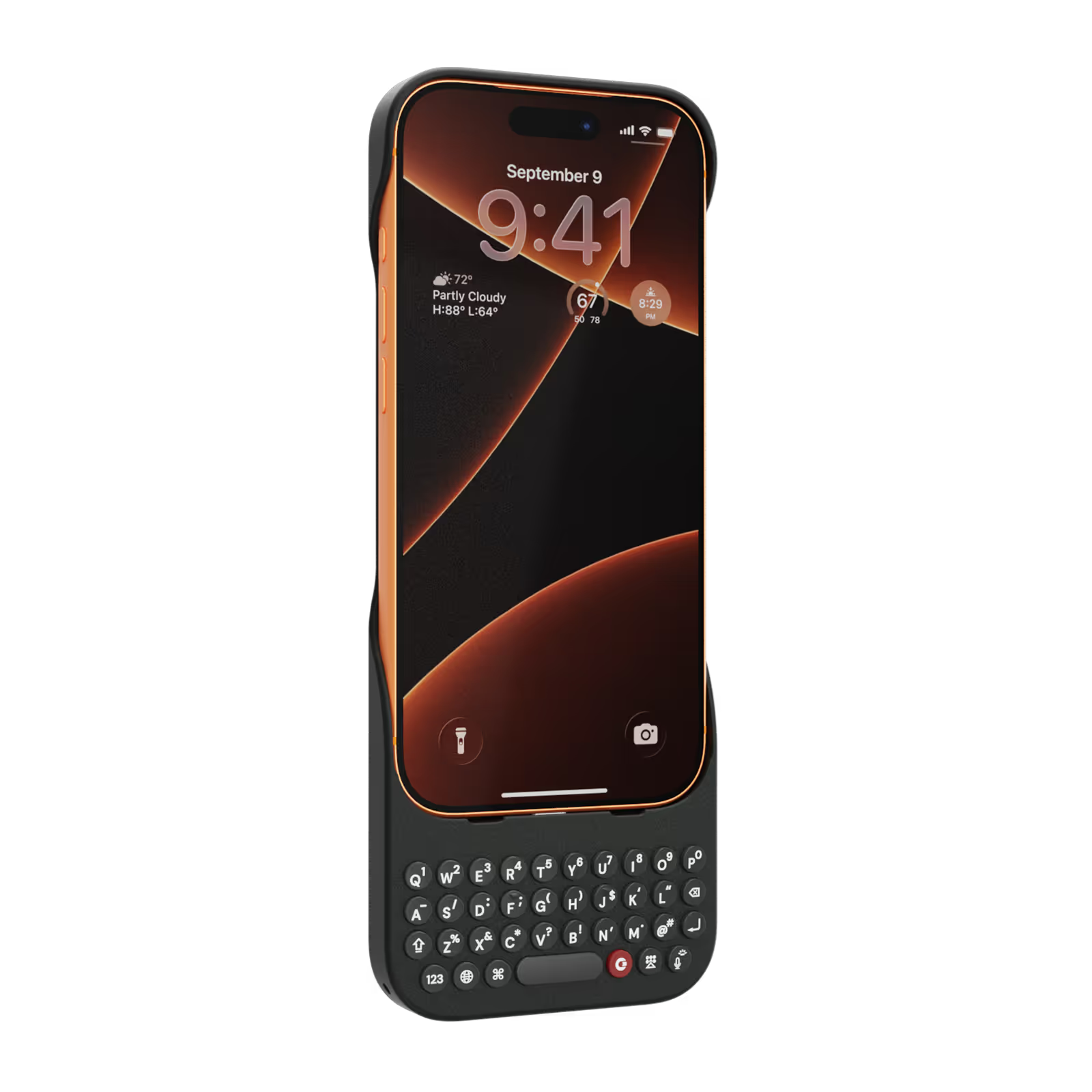
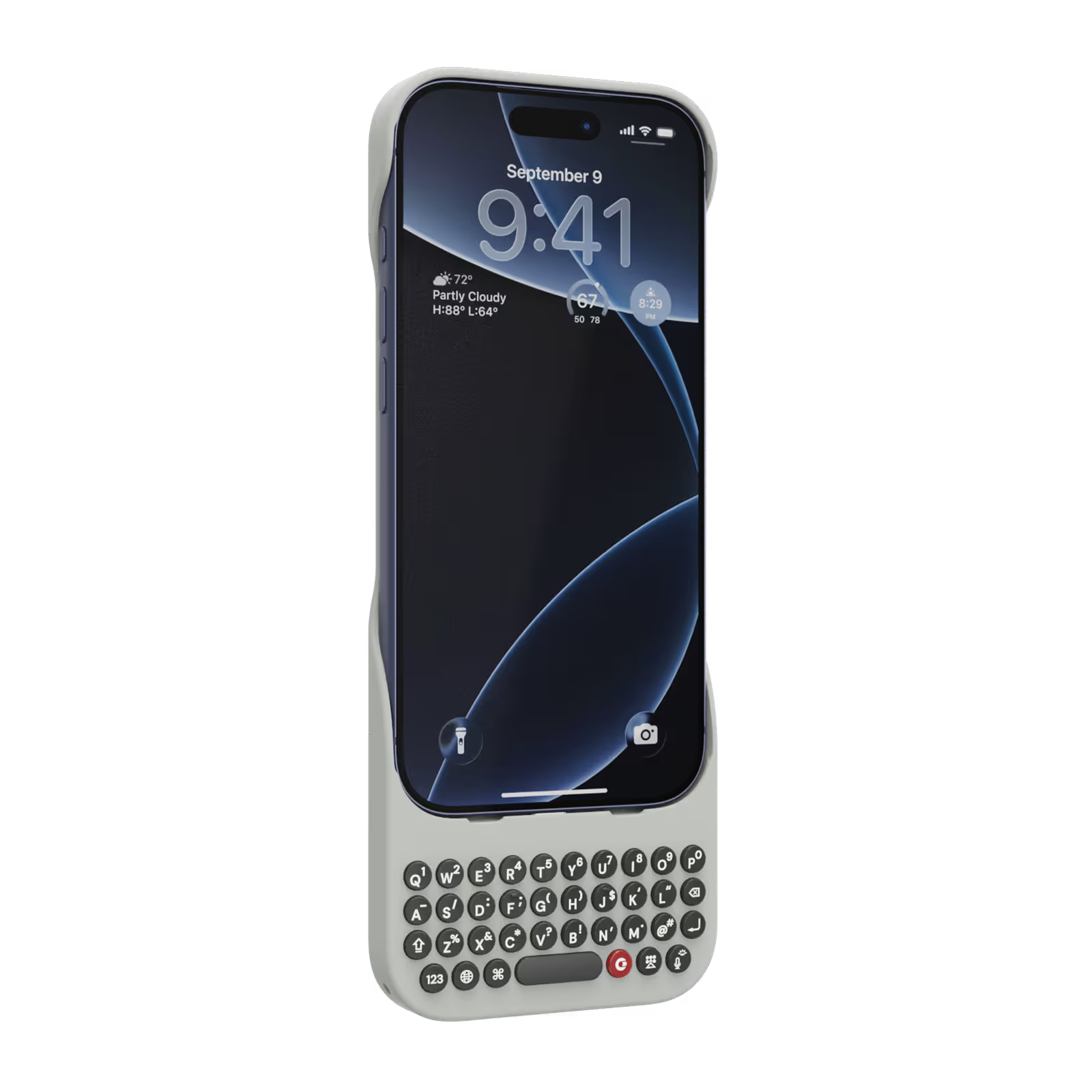
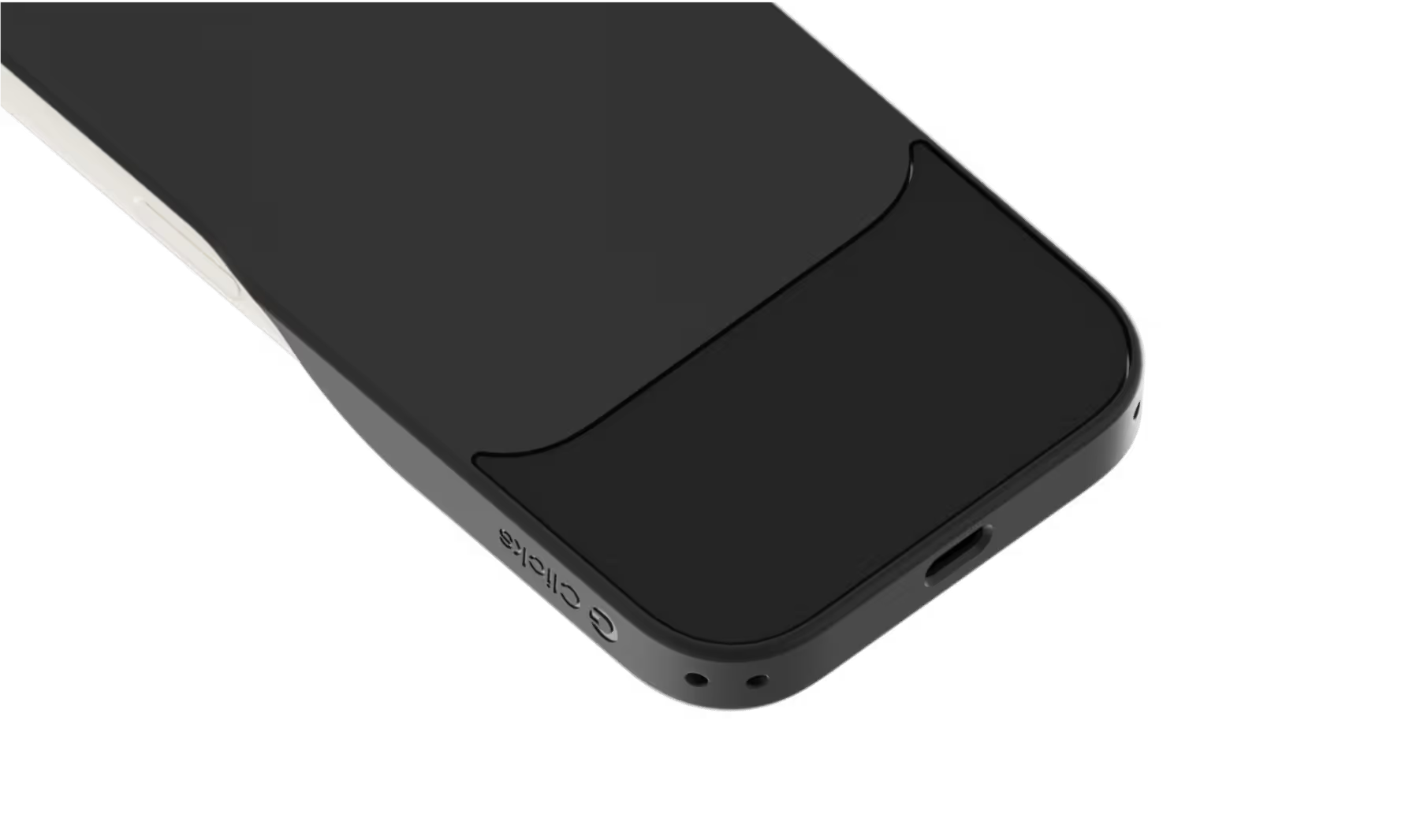
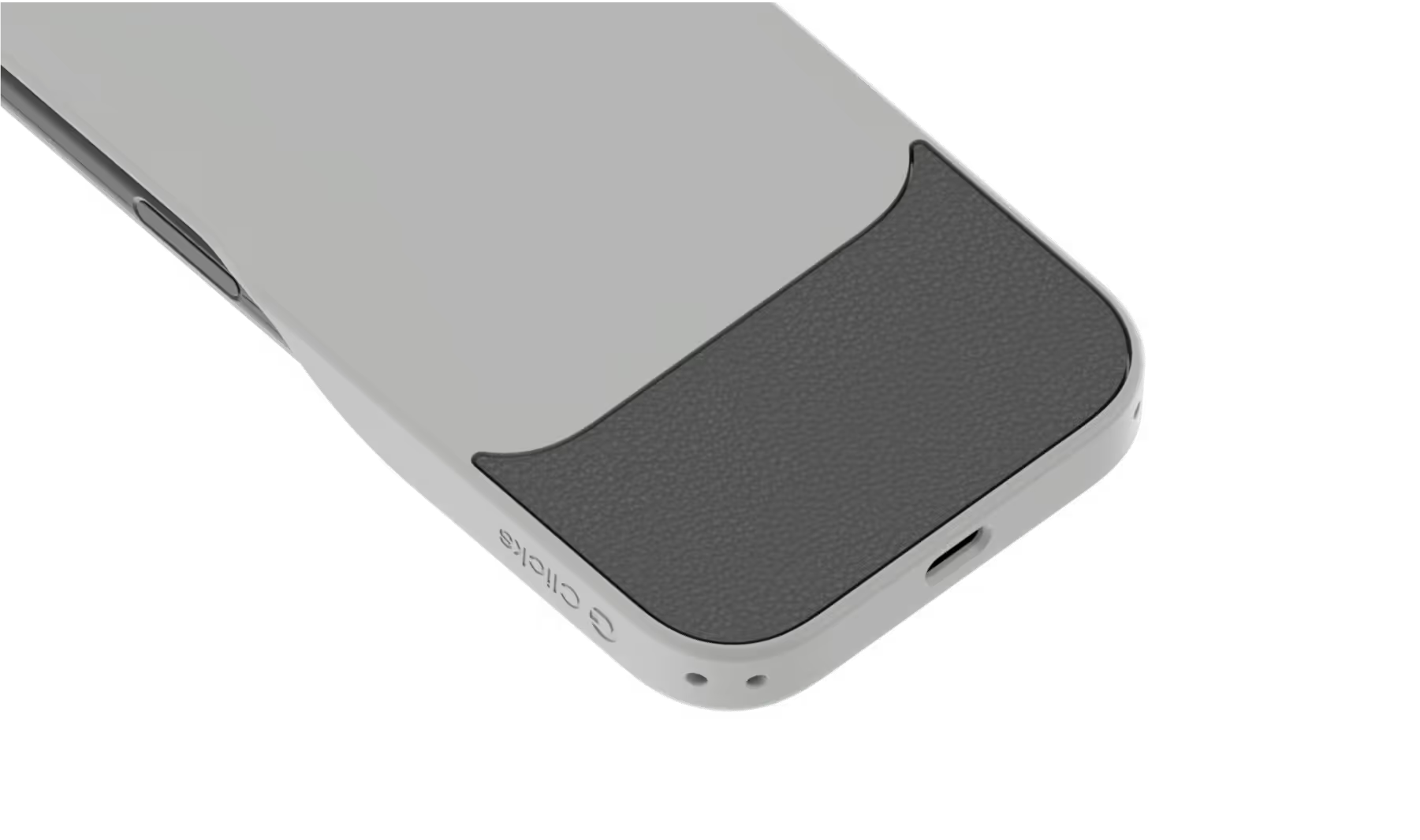
Select your iPhone 17 model.
Select iPhone model & color.
iPhone 17 Pro
$139
Price
iPhone 17 Pro Max
$139
Price
iPhone 17
$139
Price
Select your color.
Onyx
Smoke
$139
US$159
Shipping date metafield text.
Add to cart
Out of stock
Leave your email to be notified when it's back in stock.
We’ll email you when your selected model is back in stock.
Oops, something went wrong. Try again.
スピーディーな無料配送
追加料金なし
30日間返品保証
リスクなしでClicksをお試しください
80,000台以上を
100ヶ国地域で販売

Highlights

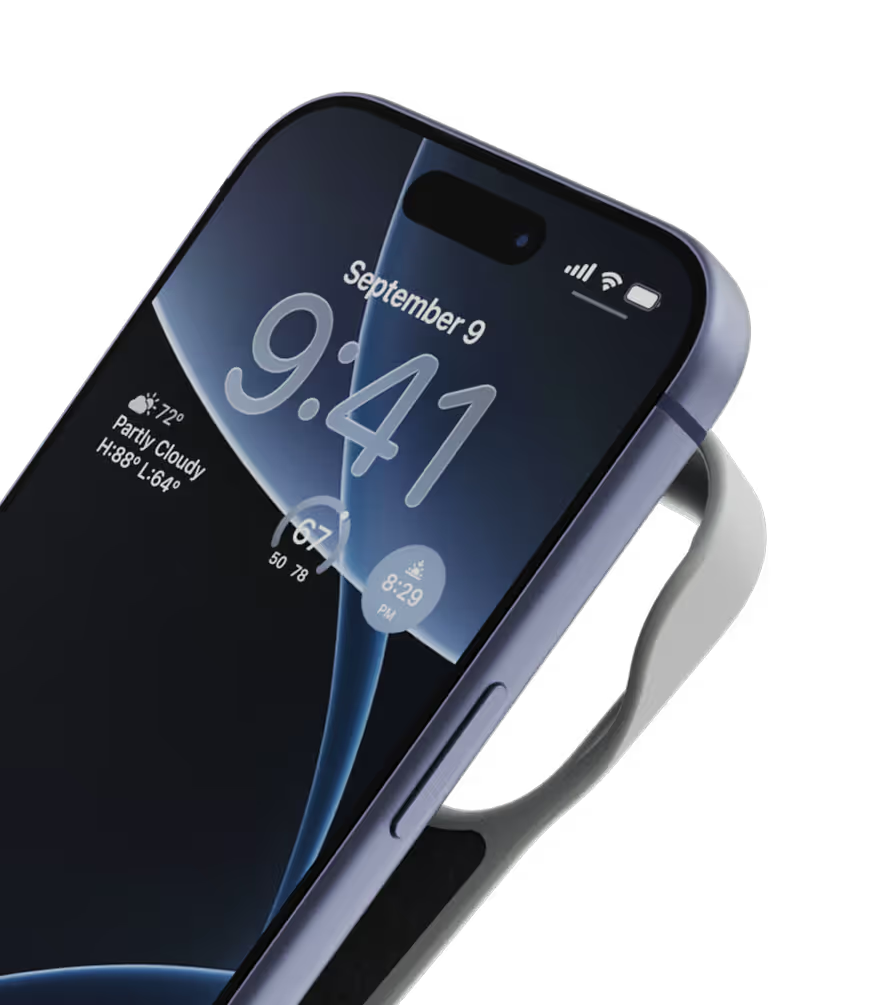
40% thinner.
11% lighter.
A refined design feels great in your hands and lets your iPhone’s personality shine.
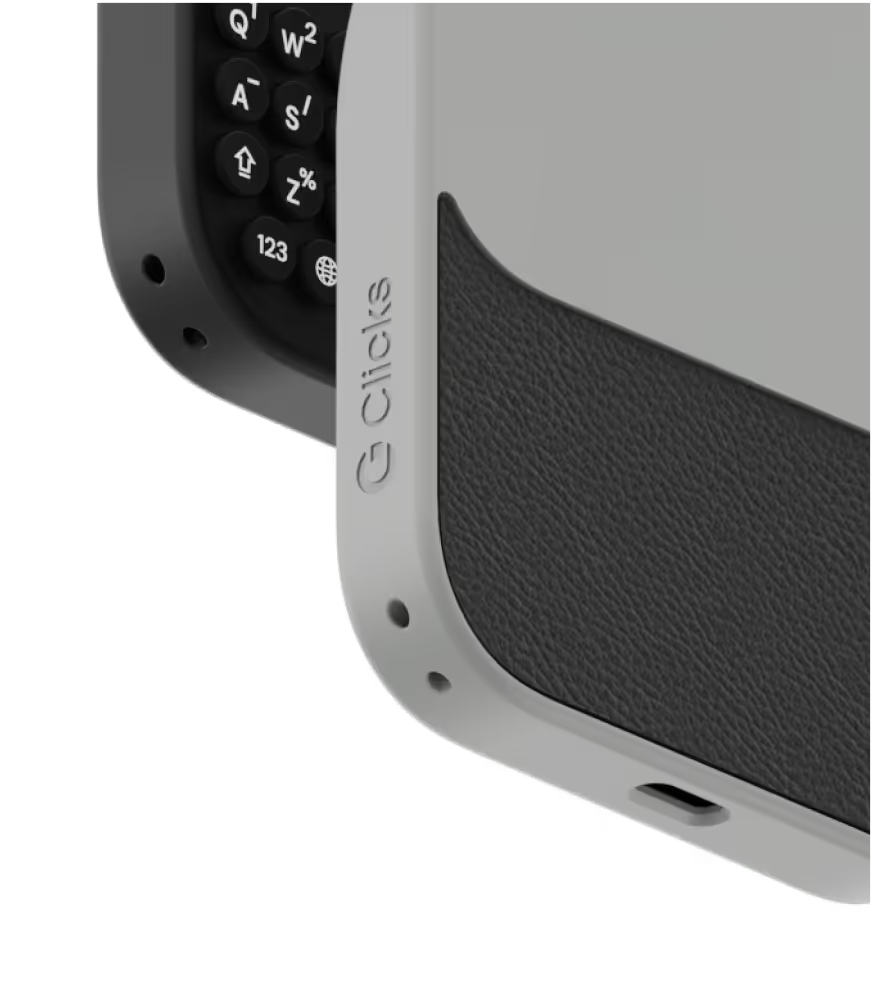
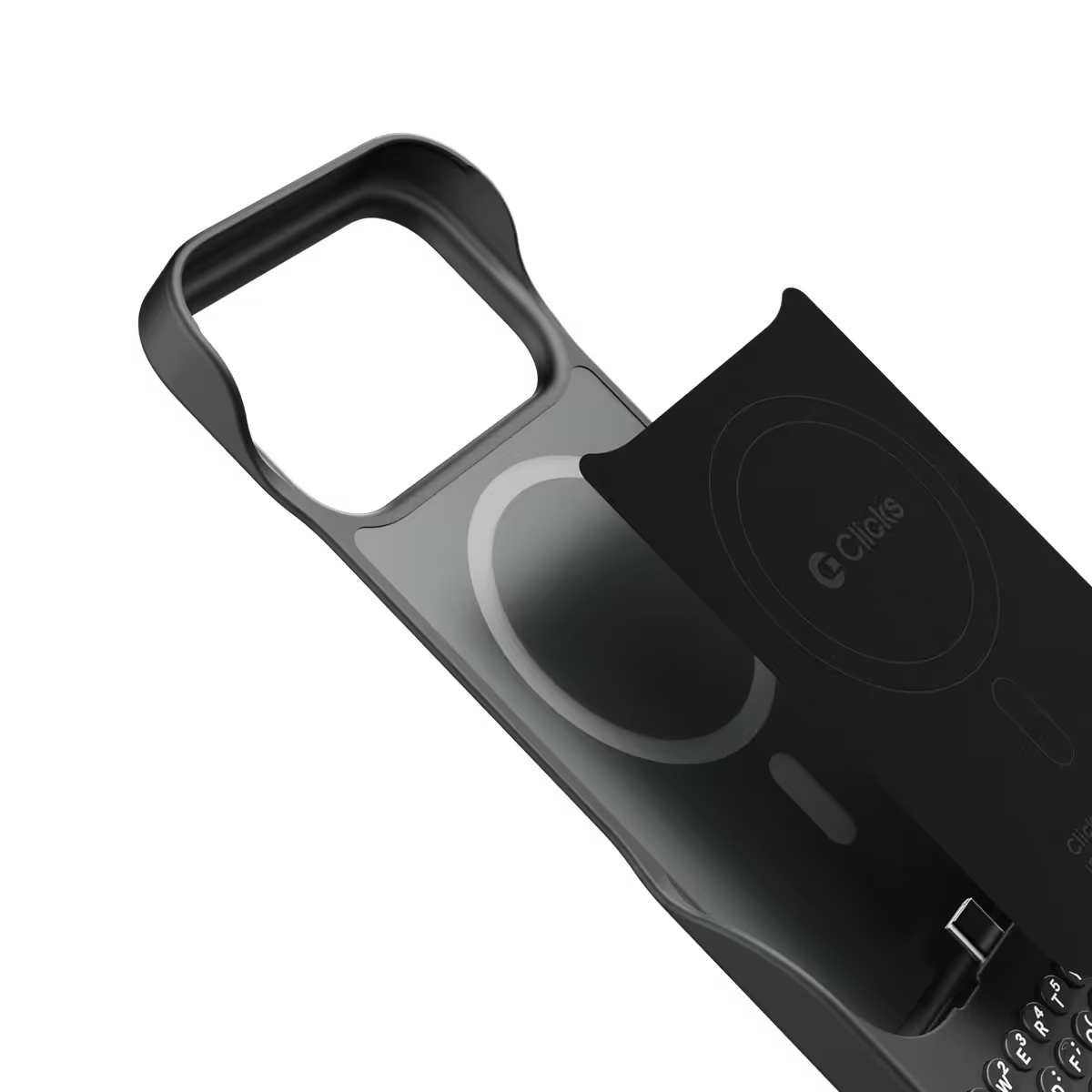
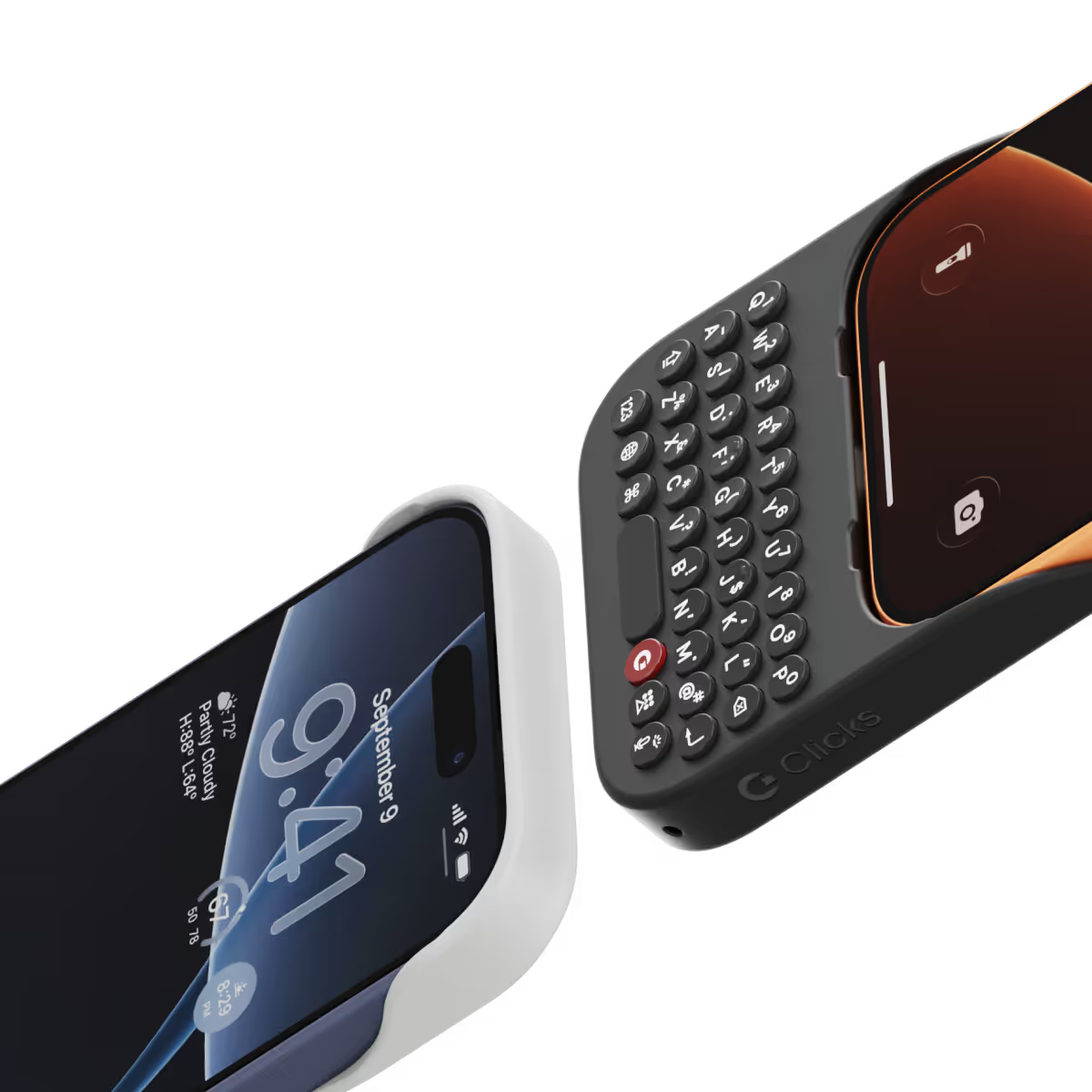
Snap-in
design.
Adding and removing Clicks to your iPhone just got faster and easier.
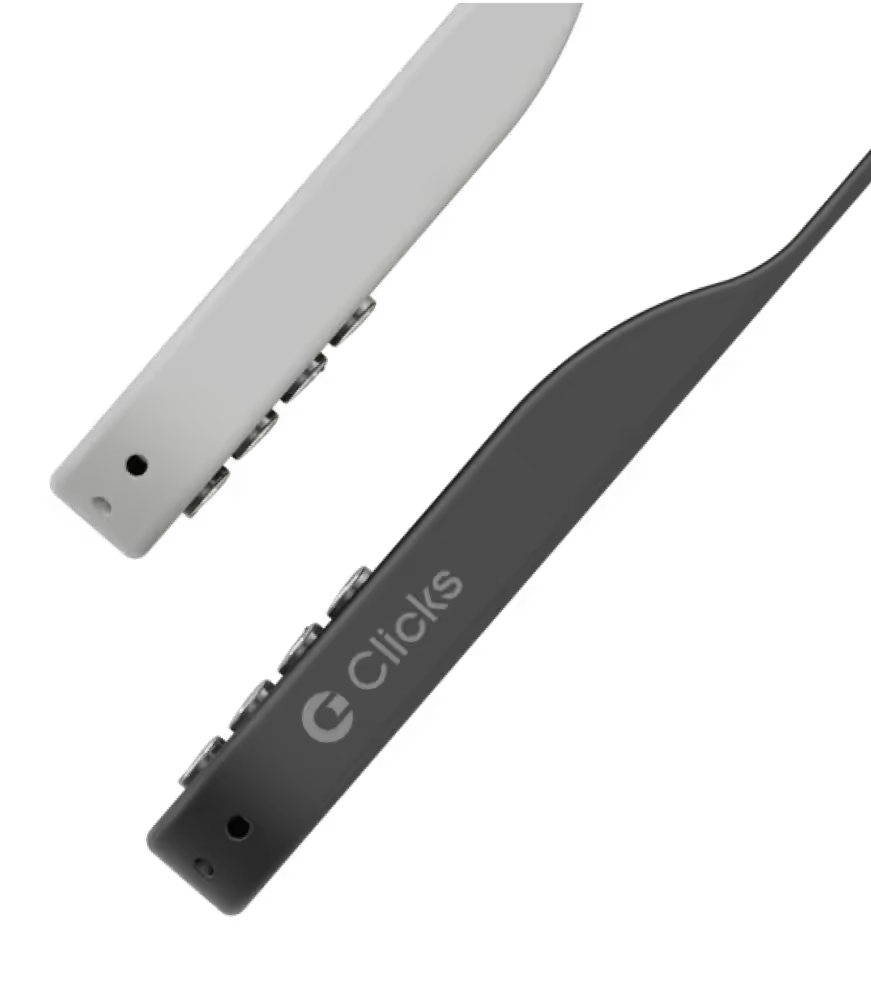
Lanyard-ready.
Dual lanyard attachment points make Clicks ready for a wrist strap or cross body.
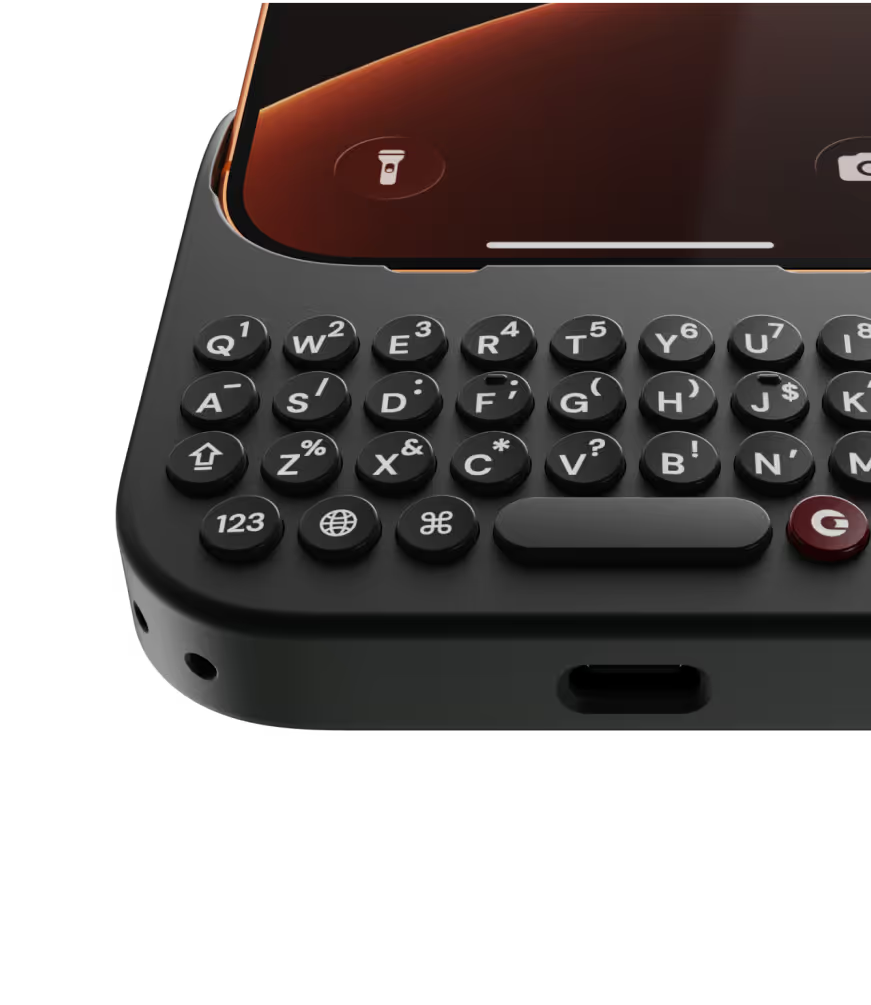
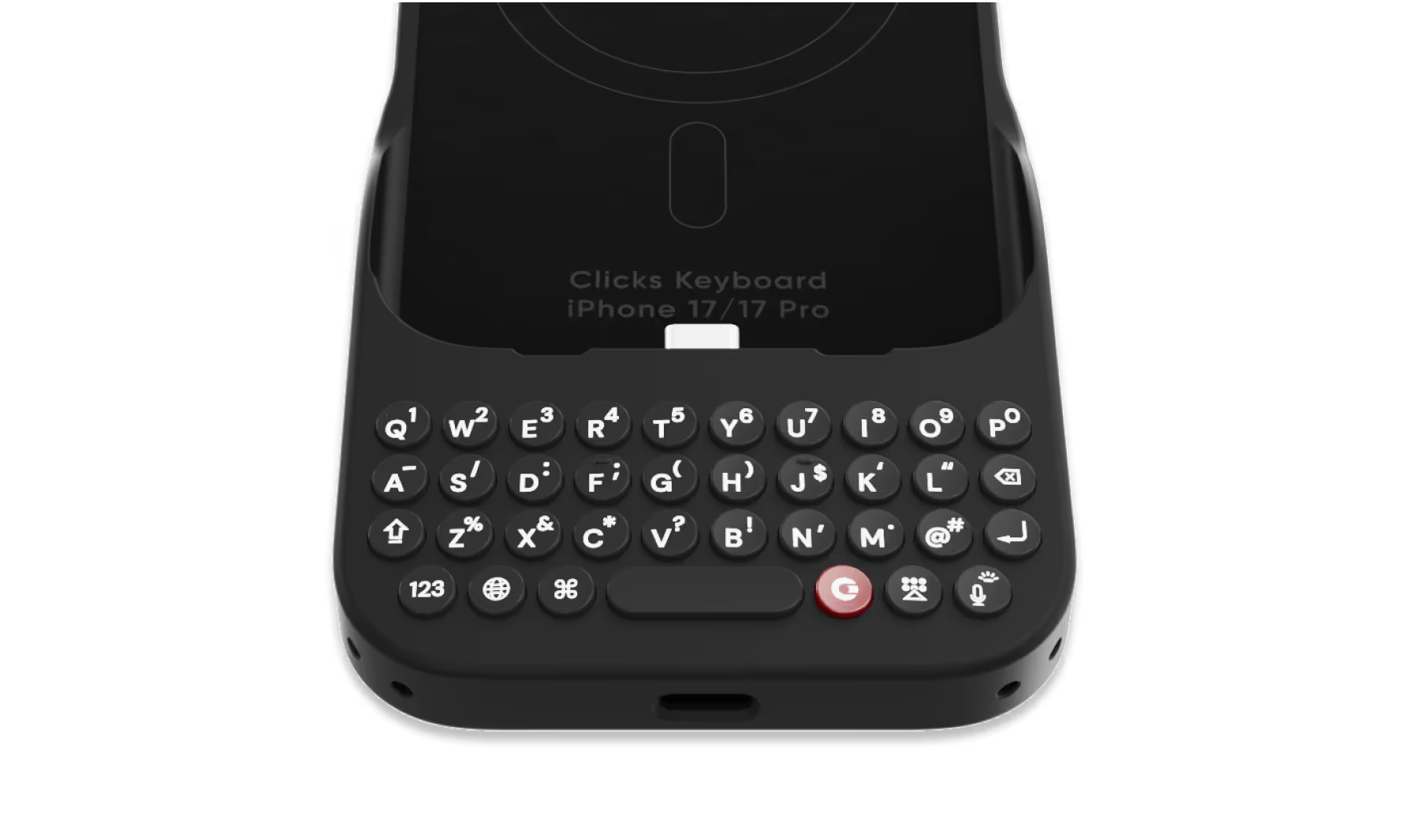
Premium typing
experience.
Type fast and accurately with ergonomic keys designed for comfort and confidence.
Patent-pending design

Take a closer look.

Why Clicks

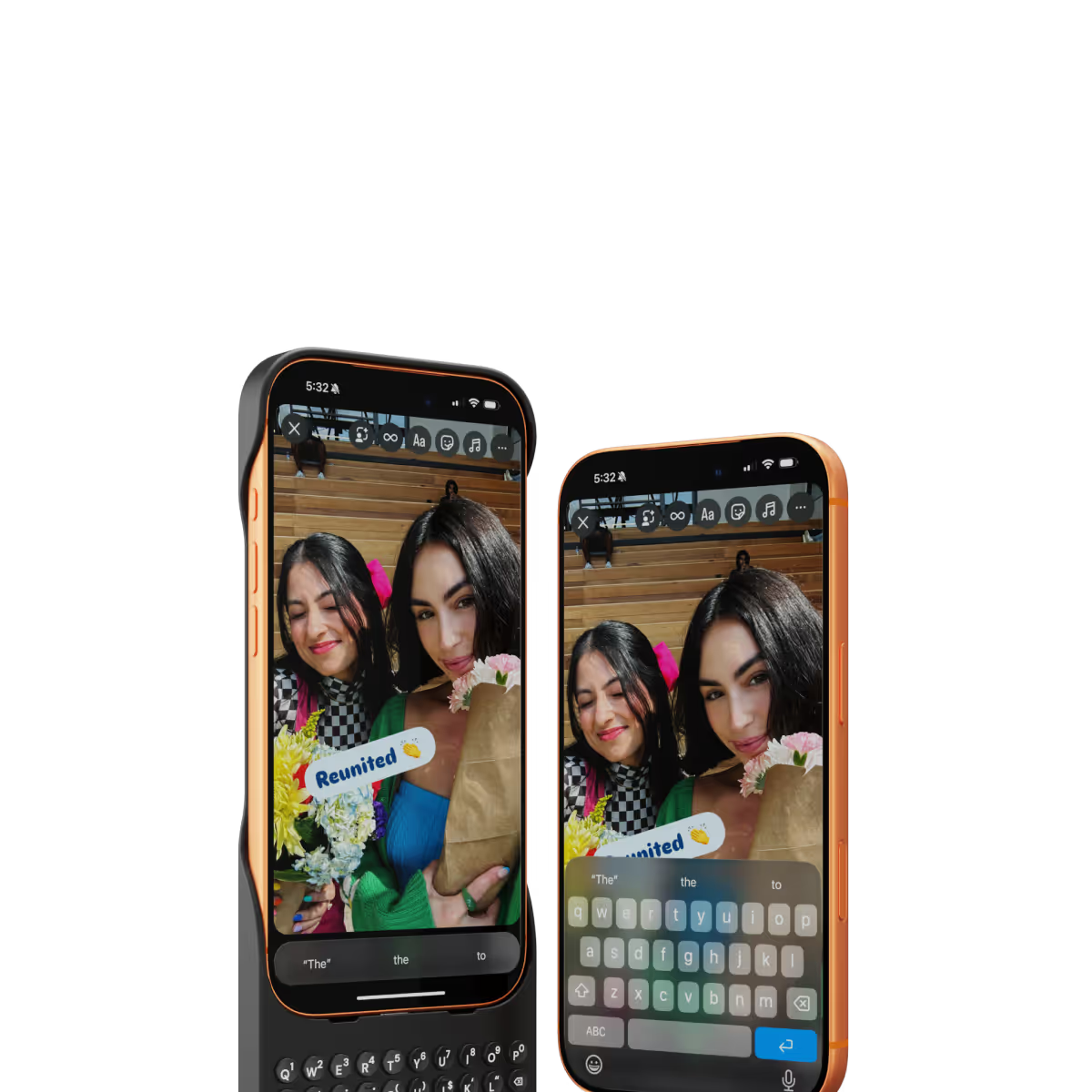
More screen.
By moving the on-screen keyboard off your display you reclaim 50% more usable space.
MagSafe built-in.
Use wireless chargers, car mounts or magnetic accessories without removing your case.
Case meets keyboard.
Protect your phone from drops while powering up your productivity with the benefits of buttons.
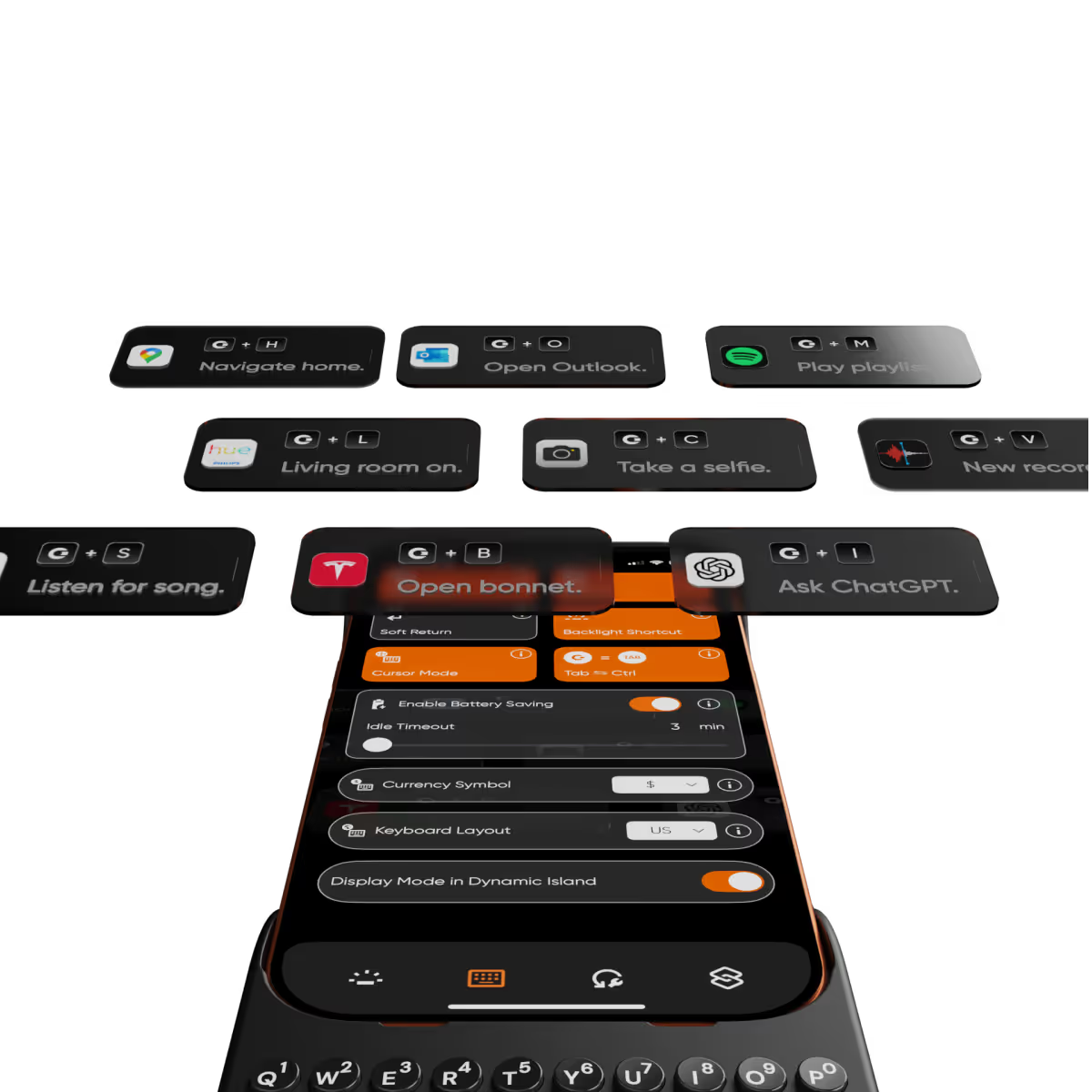
Clicks app.
Customize typing preferences and install keyboard shortcuts to quickly launch apps.

Compare Clicks Keyboards

Thinner, lighter design
Snap-in design
Lanyard support
Premium Keyboard Experience
Backlit Keyboard
Clicks Mode
MagSafe Compatible
New Ergonomic Sculpted Keys
USB-C Data Mode
Models Supported
17 Pro Max
17 Pro
17
16 Pro Max
16 Pro
16 Plus
16
15 Pro Max
15 Pro
15 Plus
15
14 Pro Max
14 Pro
Connectivity
USB-C (Charging + Data)
USB-C (Charging)
Lightning (Charging + Data)
Colors

FAQs

Will Clicks be coming to iPhone Air?

As iPhone air is a brand new platform, we want to get it in our hands and test it before deciding whether it’s suited to Clicks. If you’re interested in Clicks for iPhone Air, please complete this survey to let us know. We’ll contact you as updates become available.

Does Clicks for iPhone 17 fit older iPhone models?

No, Clicks for the iPhone 17 series is not compatible with previous generation iPhones. Clicks for the iPhone 17 Pro and iPhone 17 are interchangeable, but Clicks for the iPhone 17 Pro Max will only fit that model.

Will Clicks for iPhone 17 features become available for other iPhone models?

The thinner, lighter enclosure, snap-in design and lanyard support will be exclusive to Clicks for iPhone 17 models.

What are the main differences between Clicks for iPhone 17 and past Clicks keyboard models?

Clicks for iPhone 17 introduces a new enclosure design that's 40% thinner and 11% lighter than Clicks for iPhone 16. The new contoured shape makes Clicks easy to hold and allows your iPhone’s natural colour to shine through while the new enclosure makes it easy to add and remove your iPhone. Plus, a dual attachment point lanyard system allows you to use Clicks with wrist loops and cross-body straps.

Can I update the model, colour or shipping address for my Clicks for 17 pre-order?

Yes, absolutely! Reach out to support@clicks.tech with your order number and required changes. A team member will help make the necessary updates.

Where can I buy Clicks for iPhone 17

Batch 1 orders will be exclusive to Clicks.tech in 2025. Clicks for iPhone 17 may come to other channels like Amazon and Best Buy in 2026.

What Clicks users are saying.

Based on 5,328 user reviews.
Rickiece P.
Clicks for iPhone 14 Pro

I’ve been a blackberry owner in the past. Ever since phone companies ditched physical keyboards I’ve always thought I really wish there was a way I could have a one on my phone again. I love the tactile feedback of a physical keyboard. There’s a reason laptop companies have never took the same route and went fully touchscreen! I found myself googling “keyboard for iPhone” around a year ago. Then I saw the clicks keyboard. I had mixed emotions because I was happy a company had the same opinion as I did but was sad because it wasn’t out yet for me to try! (I am impatient I know lol!) Now that I have my clicks case it has changed the way I use my phone. As a full time videographer, I'm always using my phone to post content or respond to client inquires. This keyboard has increased my productivity!! I plan on buying a clicks case for all of my future phones!! The “clickyness” of the keys are perfect, the feel of the case is premium. I can tell a lot of thought went into creating this case. I am very pleased with my purchase. A few things I would love to see on version 2 of the clicks case is possibly - larger buttons - dedicated number row - (please don't get rid of the yellow color I love it!) This company understands and I’m so glad I found them! I can’t wait to see whats in store for the future of clicks!

Visit source
Teo T.
Clicks for iPhone 14 Pro

As a long-time fan of physical keyboards and a former BlackBerry user, I was thrilled to discover the Clicks keyboard for iPhone. This innovative accessory brings back the tactile typing experience many of us have been missing in the era of touchscreen smartphones. **Design and Compatibility** The Clicks keyboard seamlessly combines the best of both worlds – the versatility of an iPhone with the satisfying feel of a physical keyboard. It's designed to work harmoniously with the iPhone, creating a nostalgic yet modern device that caters to those who crave tactile feedback while typing. **Typing Experience** While my typing speed hasn't significantly increased, I've noticed a marked improvement in accuracy. The physical keys allow for more precise input, reducing the frustration of autocorrect mishaps common with on-screen keyboards. As with any new input method, there is a learning curve, but I've found my proficiency improving week by week. **Standout Features** The most impressive aspect of the Clicks keyboard is its shortcut functionality. The ability to open specific apps directly from the locked screen is a game-changer, especially for users with numerous applications. This feature significantly streamlines the user experience, saving time and reducing the frustration of searching for the right app. **Customization and Accessories** To enhance the Clicks keyboard experience, I've made a couple of modifications: 1. Added a low-cost MagSafe ring to the back for convenient charging. 2. Improvised a holding band to improve grip and typing comfort. These small additions have further improved the usability of the device, making it even more tailored to my needs. **Learning Curve** It's worth noting that adapting to the Clicks keyboard may take a few weeks for some users. However, the investment in time pays off as typing speed and accuracy continue to improve with regular use. **Conclusion** For iPhone users who miss the tactile feedback of physical keyboards, the Clicks keyboard is a dream come true. While it may not dramatically increase typing speed, it offers improved accuracy, fantastic shortcut capabilities, and a nostalgic typing experience. With a bit of patience during the adaptation period, this accessory can significantly enhance your iPhone usage, especially if you're a heavy typer or app user. Reference Photos https://i.ibb.co/fNqRR2v/IMG-0022.jpg https://i.ibb.co/8gGbGzv/IMG-0023.jpg

Visit source
KELVIN LEE
Clicks Keyboard for Razr+ (2024)

Excellent design and a BlackBerry user from 2005 with my KEY2 being used till 2023. A Pixel 7 was next and I was due for an upgrade from a cracked and damaged screen in 2024. The Clicks launch was perfect timing for me. A no brainer to get the Clicks keyboard and to pair it with a 2024 razr+ as my next phone. Five stars to the Clicks Team!

Visit source
Matthew Connors
Clicks Keyboard for iPhone 17

Love the overall experience I’m blown away by how intuitive the product is keep up the great work clicks

Visit source
Prisco S.
Clicks for iPhone 15

The excitement of having a physical keyboard died down a bit when I realized that the backlight was not very bright for me. So I contacted Clicks and a week later, Clicks updated their app to enable customization of their physical keyboard.

Visit source
John A.
Clicks for iPhone 14 Pro

Overall I have really enjoyed using my Clicks Keyboard, it works really well with the iPhone 14 Pro Max. It does make the phone quite a lot longer, but that is a small price to pay for all of the additional usability it provides from the great keyboard to significantly more screen real estate.

Visit source
Jamie Hein
Clicks Keyboard for iPhone 17

Case is easy to use and utilizing shortcuts takes the phone experience to a new level. It's like having a blackberry again but better.

Visit source
sine C.
Clicks for iPhone 14 Pro

Love it

Visit source
Estu K.
Clicks for iPhone 15 Pro

This is the ultimate case for an iPhone power-user or techno-addict. The ability to customize the keyboard integrated with Shortcuts is superb. Increased usable screen space is quite useful.

Visit source
Daniel P.
Clicks for iPhone 15 Pro

This Clicks keyboard is like a dream come true for anyone who hates the on-screen keyboard. The keys are so satisfying to type on, and the layout is intuitive. Plus, the backlight is a lifesaver for late-night typing sessions. I can finally get work done efficiently on my iPhone!

Visit source